A Tinkerer
Loves building, fixing, or taking things apart to see how they work.
Beginner robotics in 30 live sessions — hardware first, then coding, then real bot projects
The first 60-minute live session is $3, adjusted on enrolment, and you get a written learning plan afterwards.
 8+ Robot Builds
Loves building, fixing, or taking things apart to see how they work.
Wants science and coding connected through physical projects.
Learns best when they can see motors, LEDs, and sensors respond.
Dreams of robots, automation, and real-world engineering.
Tap each module to explore topics, projects, and what your child will build step by step.
Goal: Understand the parts before writing code.
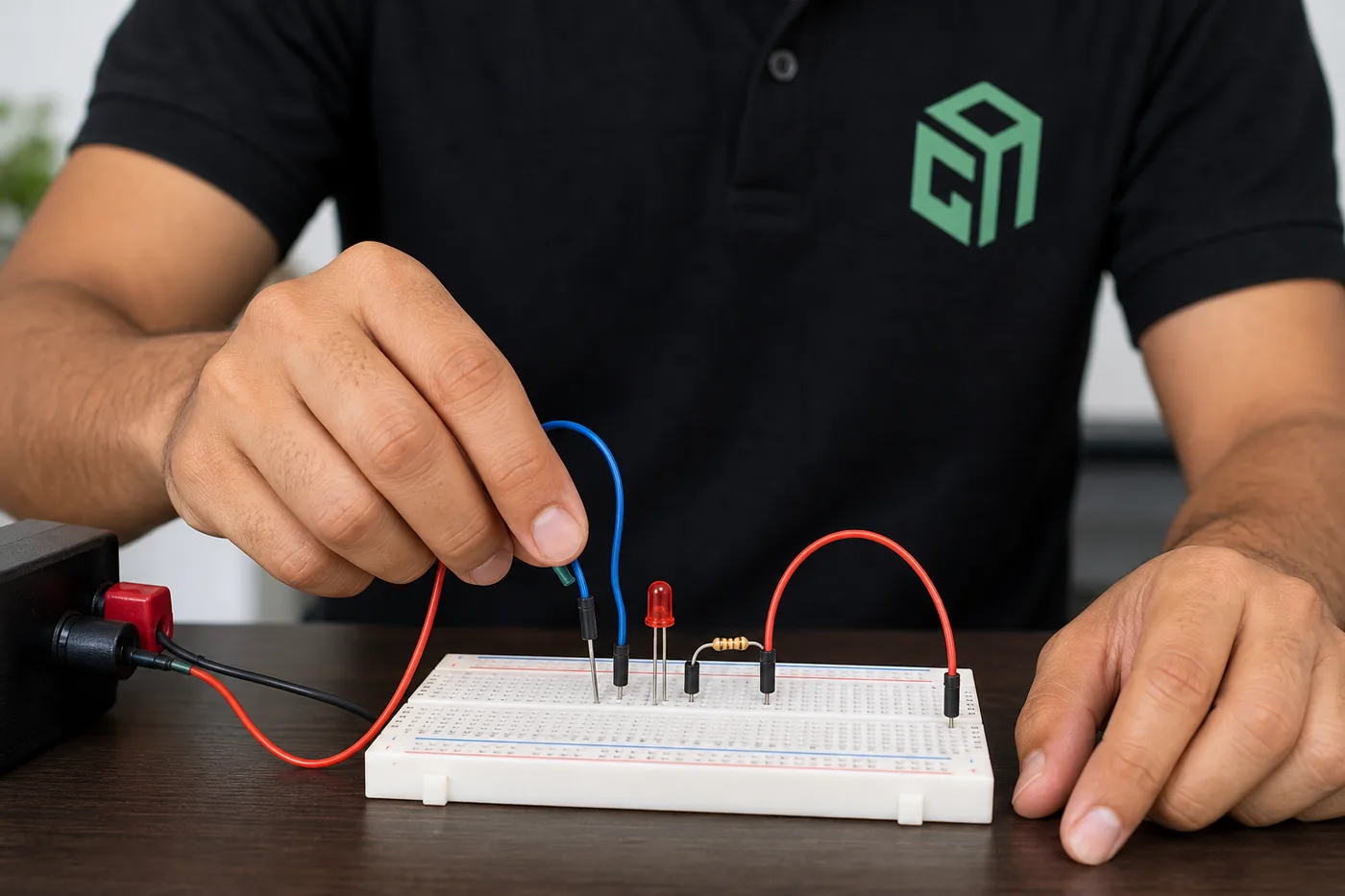
LED circuit
Buzzer alarm
Button + sensor wiring lab
Modules, topics, projects, and typical live-class time — so parents know exactly what their child will learn. Typical full-course pace: 2 sessions per week · about 4 months (30 live sessions).
| Module | Focus | Duration | Topics covered | Projects / activities |
|---|---|---|---|---|
| 1 | Hardware Knowledge | 10 sessions | Safe power, breadboards, and simple circuit diagrams; LEDs, resistors, buzzers, buttons, and switches; Sensors and motors — what each part does by hand | LED circuit; Buzzer alarm; Button + sensor wiring lab |
| 2 | Beginner Coding | 8 sessions | First coding lines: variables, print, input/output; if/else, loops, and simple functions; Think like a robot: sequences, decisions, and debugging | First Python programs; Logic games; Code-to-output practice |
| 3 | Hardware + Coding Projects | 12 sessions | Connect code to LEDs, sensors, and motors; Line-following and obstacle-avoiding behaviour; Test, fix wiring + code bugs, and present the final bot | Smart night-light bot; Line-following robot; Obstacle-avoiding bot |
Screenshots and walkthroughs from mentor-guided Robotics builds — so parents can see the kind of work kids ship.
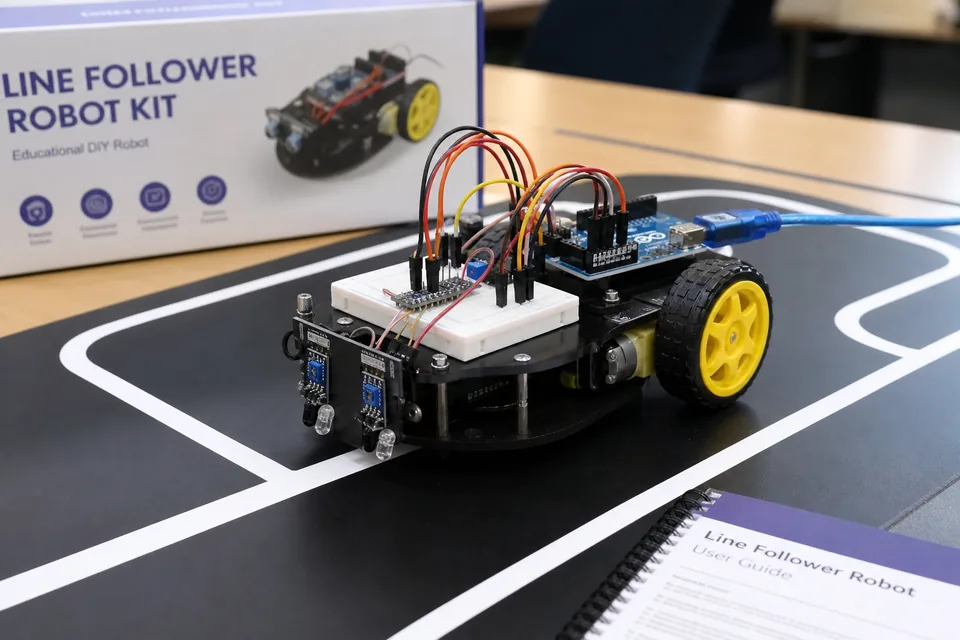
Phase 3 project: IR sensors plus motors controlled by code so the bot stays on track — hardware and coding working together with live debugging.
Watch a class glimpse
Distance sensing triggers stop/turn behaviour — students combine wiring from Phase 1 with coding logic from Phase 2.
A light-sensor circuit driven by beginner code — an early Phase 3 build that proves hardware + coding = a working project.
No prior robotics or coding experience needed — this beginner track starts with hardware knowledge before coding. Mentors guide kit selection and safe setup.
Course prices are for live 1:1 Super Mentors sessions with hands-on projects and parent updates. Prices shown in USD $ for United States families (approximate local estimates). Try a session before enrolling.
Pay $110$140 after each 10 sessions
$330$420 for 30 classes
2 sessions per week · about 4 months
Personal attention & fastest progress
View plan details →Parent guides and STEM articles that pair well with Robotics.
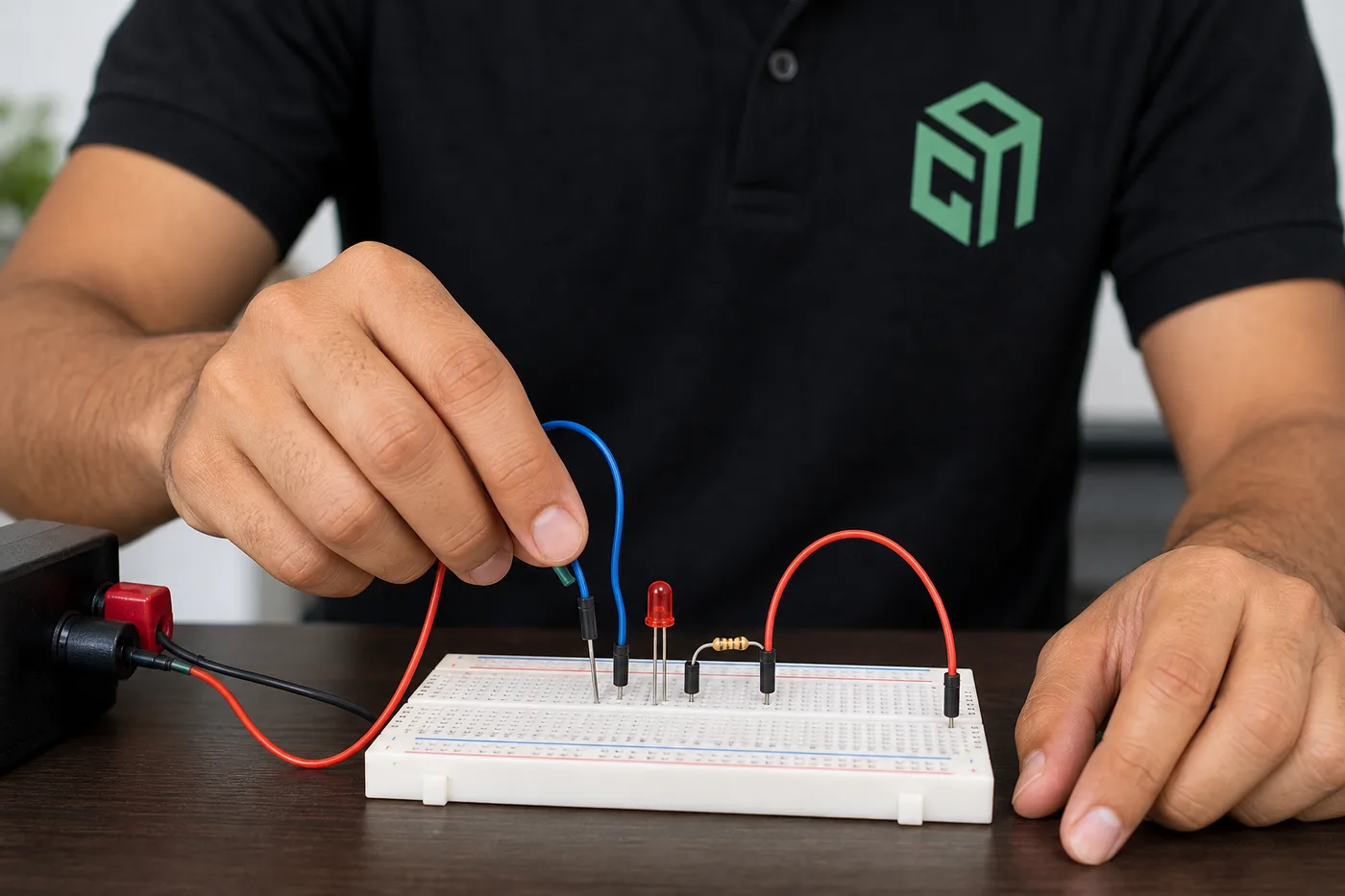
Breadboard for kids: learn power rails, jumpers, and a safe LED circuit—then continue into live robotics classes at GeekashramJr.
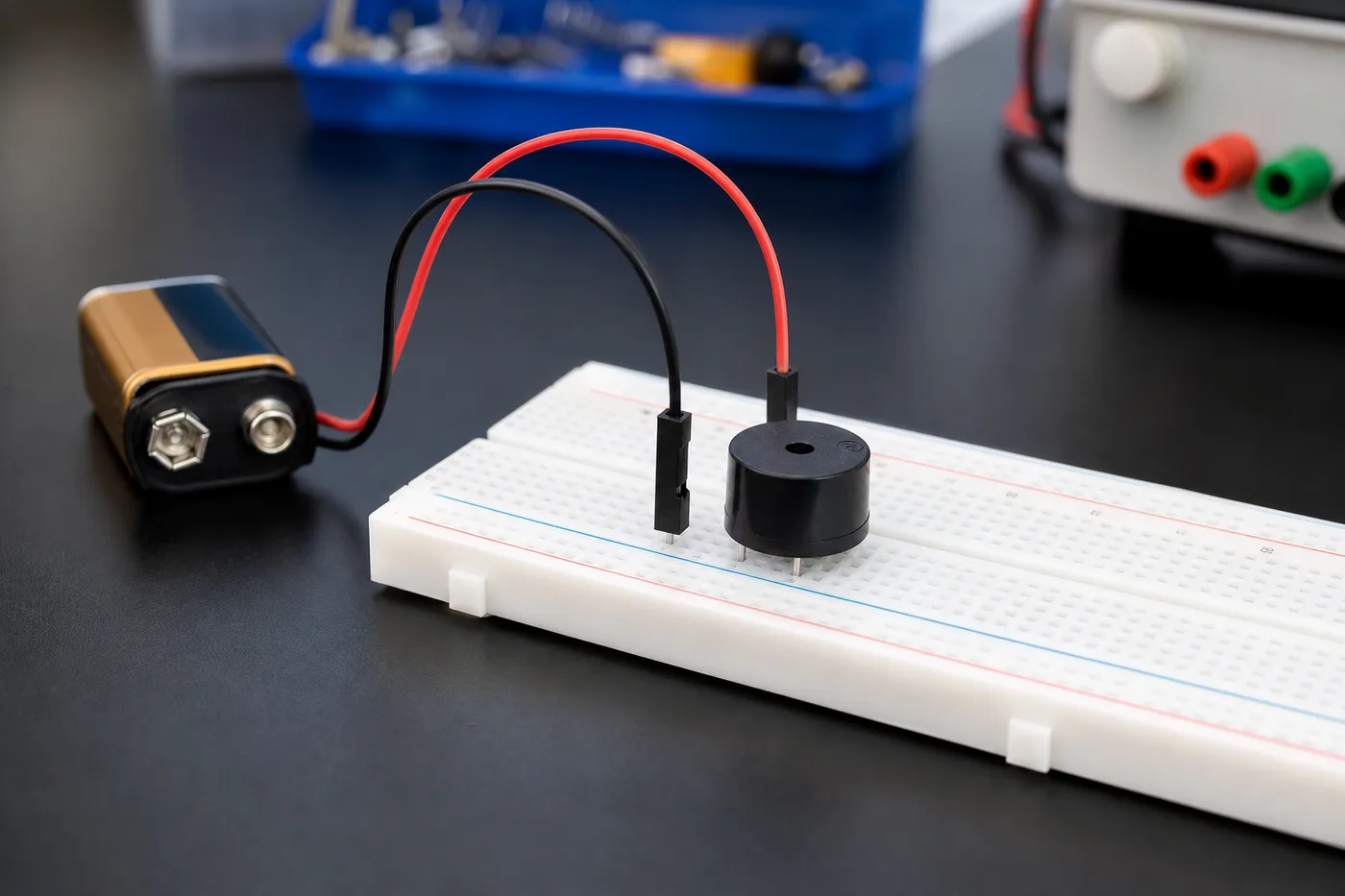
Sensors for kids: LDR (light), ultrasonic (distance), and PIR (motion) explained simply—with next steps into robotics classes.
Arduino is a beginner-friendly electronics board kids use to make lights, sensors, and robots respond to code. Parents do not need an engineering degree — just a laptop, a starter kit, and live mentor guidance.
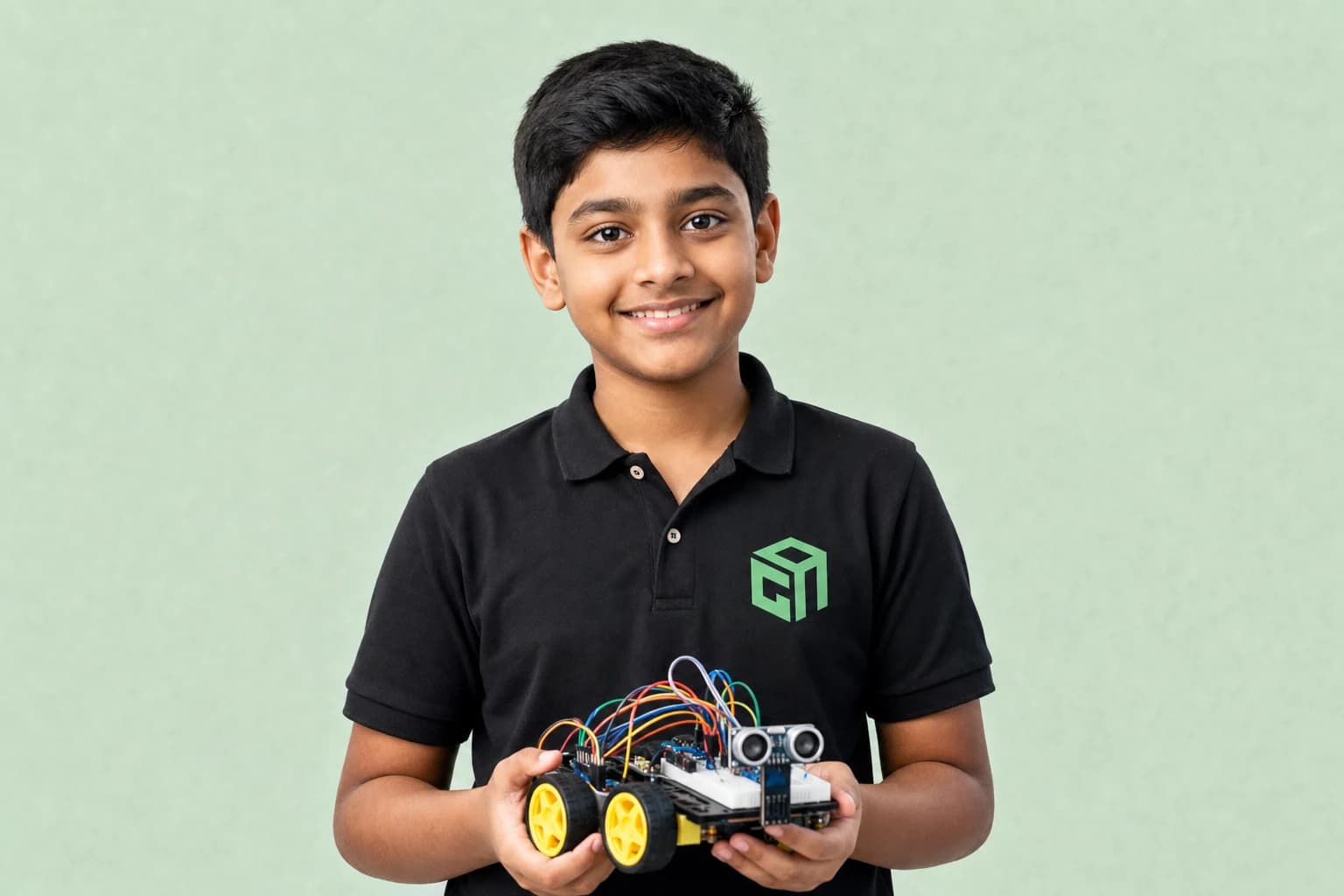
For most beginners, start with a basic electronics + Arduino-compatible starter kit, not the most expensive robot. This 2026 guide compares what to buy for kids in India, the US, and the UK — and what to skip.
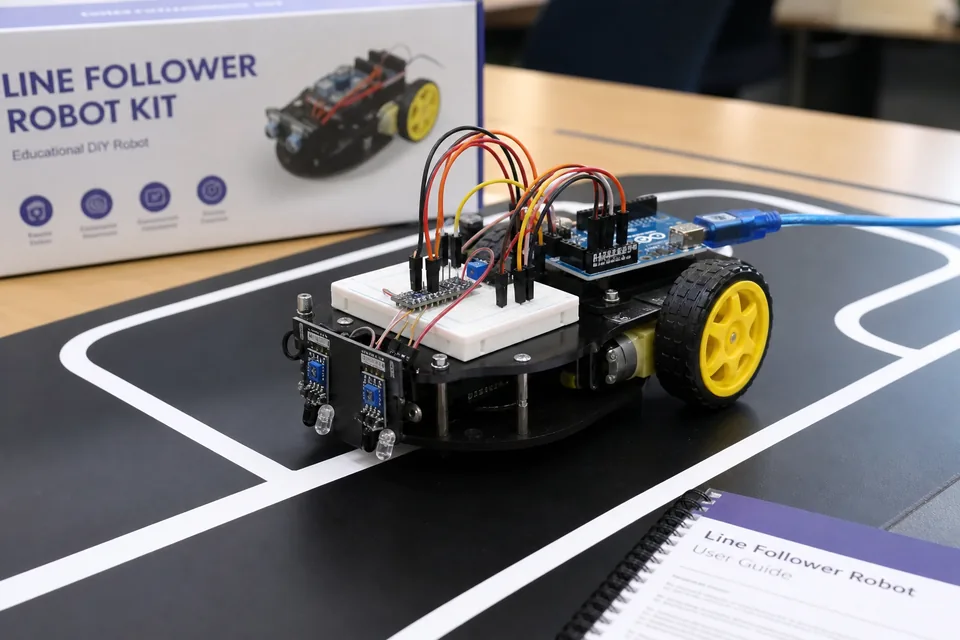
A line-follower robot uses IR sensors to detect a dark line on a light floor, then adjusts left/right motors to stay on track. Here is how it works for beginner kids robotics.
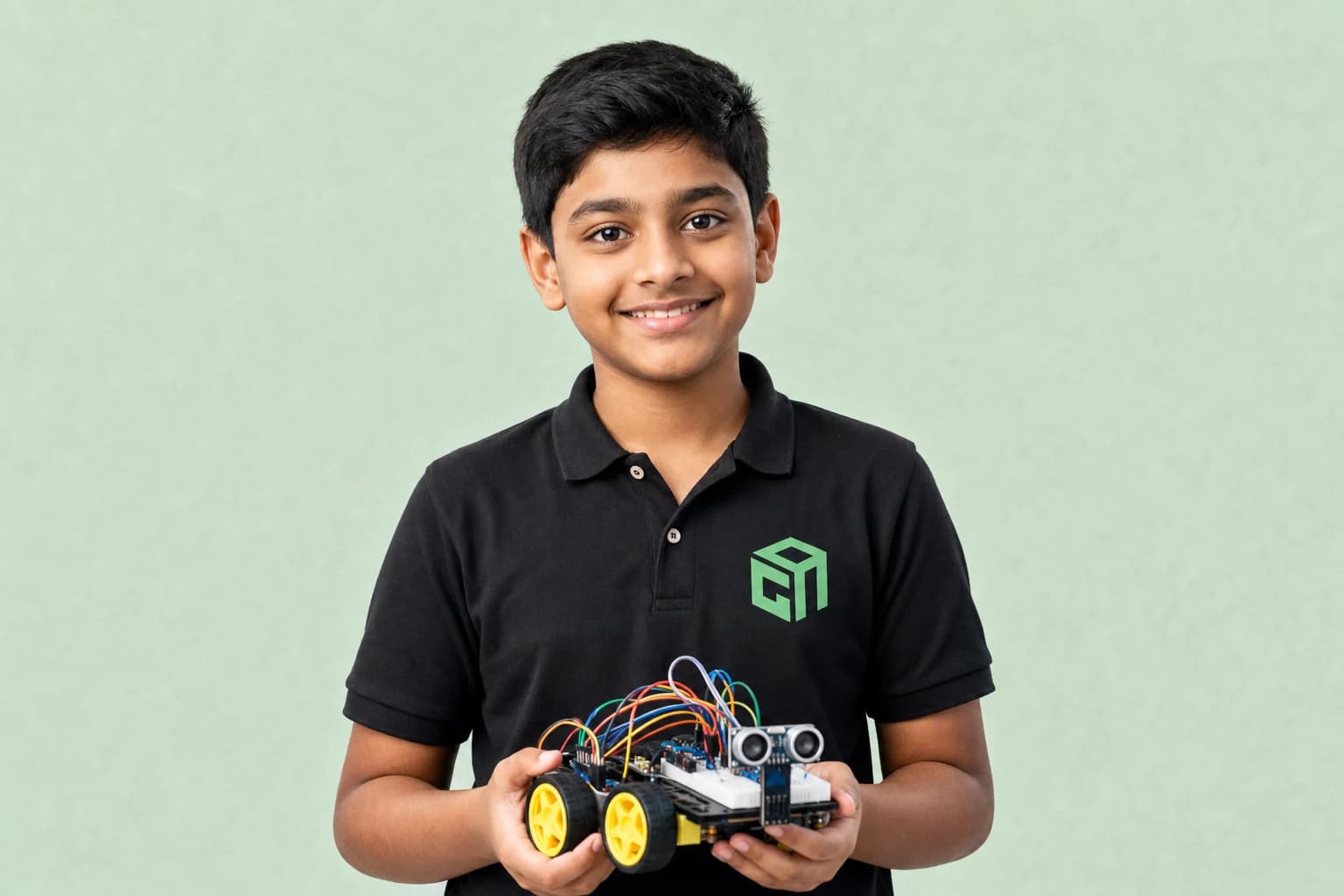
An obstacle-avoiding robot uses an ultrasonic (or IR) distance sensor to stop or turn before hitting objects. This beginner guide explains the logic kids learn before building one in class.
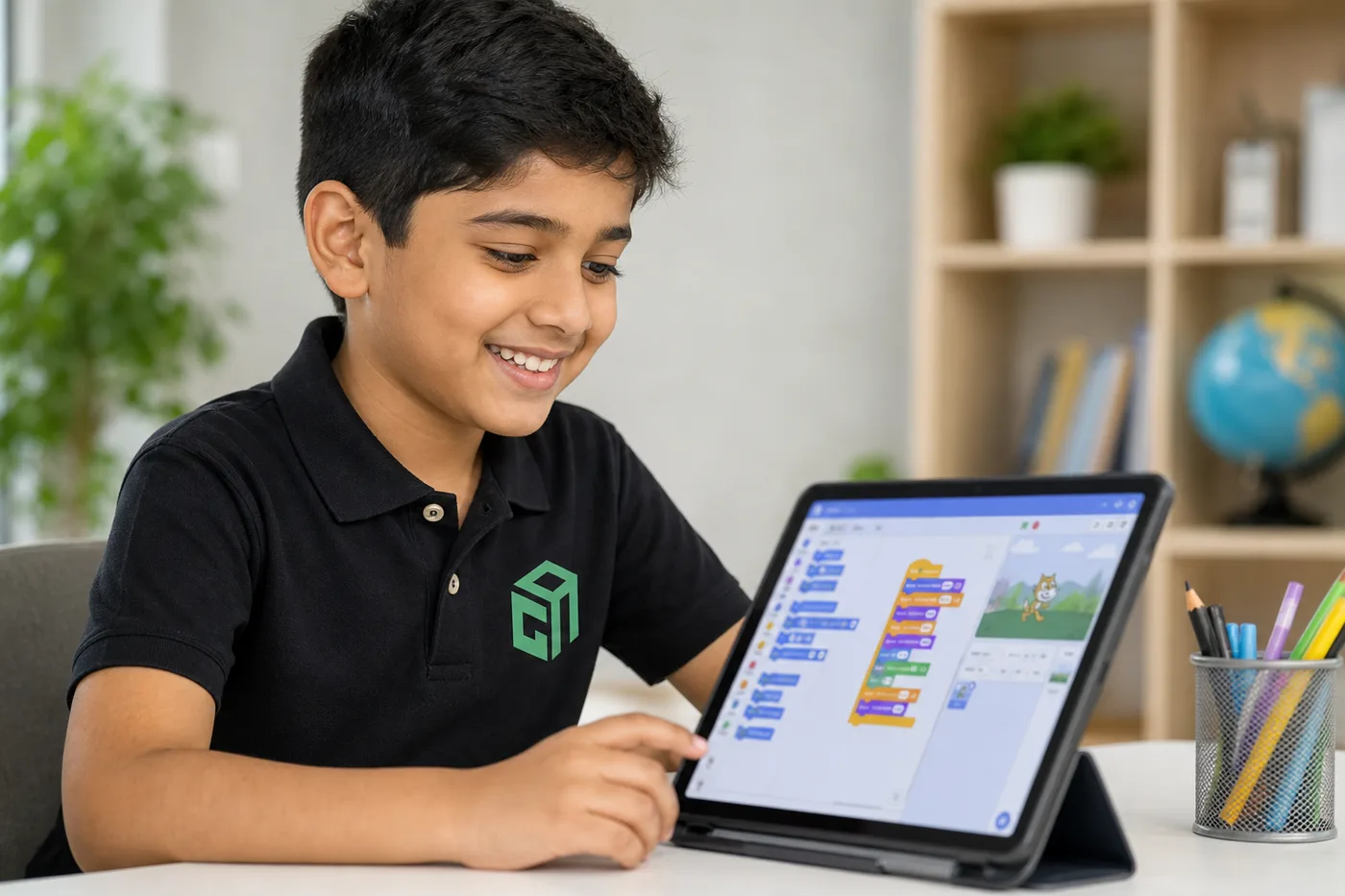
Grade 3–5 start with Scratch. Grades 5–8 add Python with AI and web. Grades 8–12 go deeper on AI/LLMs and robotics. Here is the GeekashramJr map with syllabus links.
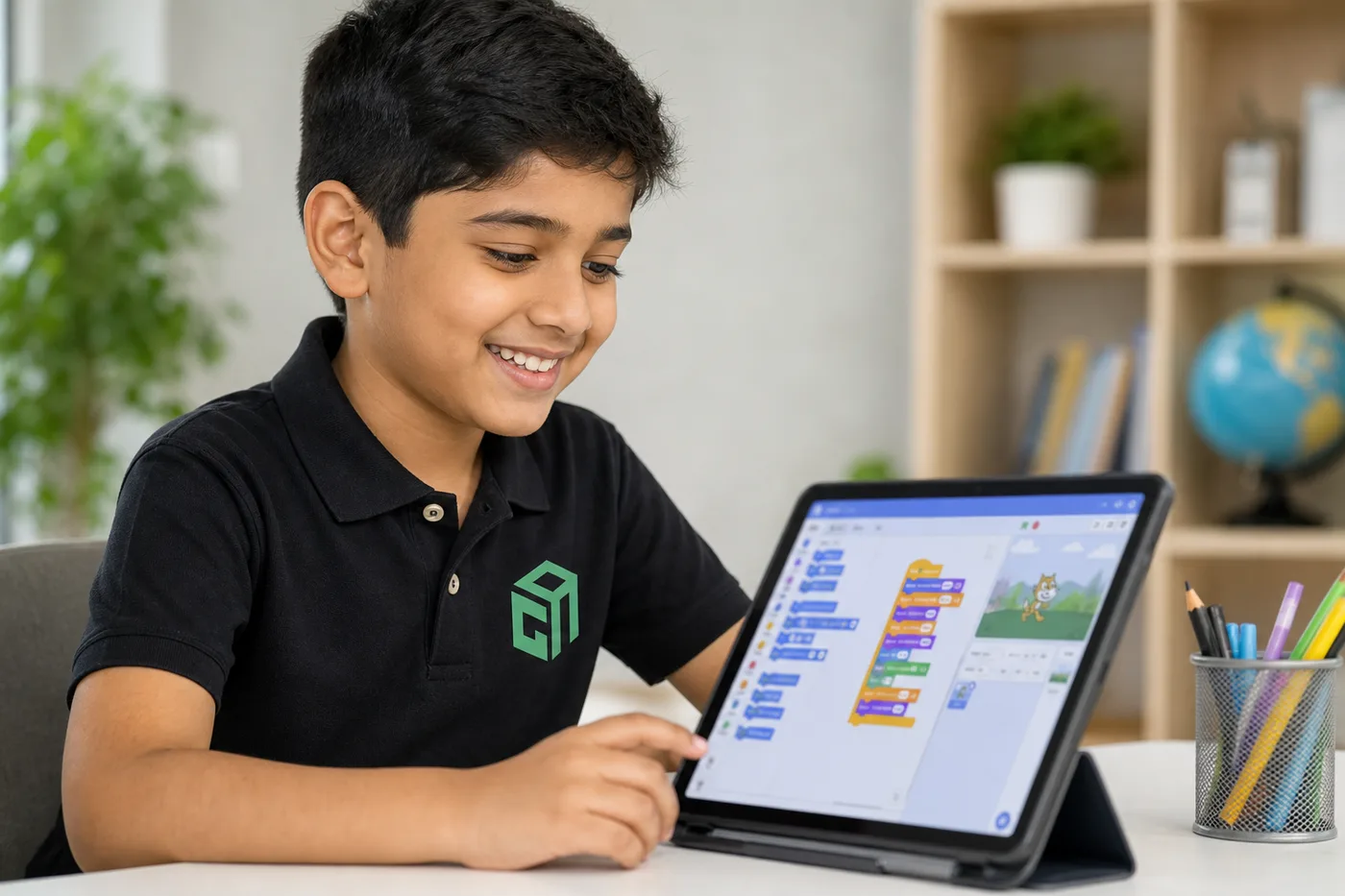
US families do not need a Saturday drive to a coding cafe. Live online classes work across EST–PST, after school, and for homeschool — with the same mentors as our other countries.
Straight answers for parents comparing live Robotics classes, syllabus depth, projects, and pricing.
GeekashramJr's Robotics course is a beginner track for Grade 3–12 across 30 live sessions in three phases: (1) hardware knowledge — circuits, LEDs, buzzers, sensors, and motors; (2) beginner coding for robot logic; (3) hardware + coding projects such as line-followers and obstacle-avoiding bots. Mentors guide kit selection, wiring, and troubleshooting.
Robotics is taught live module by module (30 live sessions). Parents can review the full syllabus table on this page — topics, projects, and typical session time per module — plus download the curriculum brochure.
Students complete mentor-guided projects throughout the course. By the end they typically have: Wired and explained basic circuits with LEDs, buzzers, sensors, and motors; Wrote beginner code for decisions, loops, and robot-style logic; Shipped a hardware + coding project — line-follower or obstacle-avoiding bot — ready to demo. Sample project screenshots and walkthroughs are shown above.
Robotics is for students in Grade 3–12. No prior robotics or coding experience needed — this beginner track starts with hardware knowledge before coding. Mentors guide kit selection and safe setup.
GeekashramJr Super Mentors 1:1 is $11 per session with personal attention. Prices are shown in USD, matching /pricing/usa. Try a session for current offers.
Classes are live online with GeekashramJr mentors — not passive video courses. Students get real-time feedback, debugging help, and project reviews in every session.
Mentors guide families on kits and simulators. Many students start with guided setups and scale up. We help with wiring, testing, and making robots work during live classes.
The beginner track has three phases across 30 live sessions: hardware knowledge first (circuits, LEDs, sensors, motors), then beginner coding, then hardware + coding projects such as line-followers and obstacle-avoiding bots.
Yes, with low-voltage kits and mentor guidance. Younger students start with hardware basics — LEDs, buzzers, and safe wiring — before coding and moving robots.
Yes — but in order. Phase 1 is hardware knowledge, Phase 2 is beginner coding, and Phase 3 combines both so students debug wiring and code together on real projects.
The full beginner syllabus is 30 live sessions: about 10 on hardware, 8 on coding, and 12 on hardware + coding projects (including line-followers and obstacle-avoiding bots).
Try a Robotics session for students Grade 3–12. Meet a mentor, see the teaching style, and get a personalized plan for your child.
Try a session