A Curious Creator
Loves drawing, games, or stories and wants to turn ideas into websites.
Beginner web development — build and publish real websites in 30 live sessions
The first 60-minute live session is $3, adjusted on enrolment, and you get a written learning plan afterwards.
 10+ Projects
Loves drawing, games, or stories and wants to turn ideas into websites.
Needs structured coding exposure beyond crowded classroom time.
Wants a visible portfolio to show family, teachers, or competitions.
Ready to learn step by step with patient live mentors online.
Tap each module to explore topics, projects, and what your child will build step by step.
First HTML page
Photo gallery page
Modules, topics, projects, and typical live-class time — so parents know exactly what their child will learn. Typical full-course pace: 2 sessions per week · about 4 months (30 live sessions).
| Module | Focus | Duration | Topics covered | Projects / activities |
|---|---|---|---|---|
| 1 | Web Foundations | 6 sessions | How browsers and the internet work; First HTML tags, links, and images; Simple page structure beginners can finish | First HTML page; Photo gallery page |
| 2 | Styling & Layout | 8 sessions | CSS colors, fonts, and spacing; Flexbox and beginner-friendly layouts; Mobile-friendly design patterns | Responsive profile card; Multi-section landing page |
| 3 | JavaScript | 10 sessions | Beginner variables, events, and DOM updates; Buttons, forms, and simple animations; Debugging and testing in the browser | Interactive quiz; Form + validation mini-app |
| 4 | Capstone | 6 sessions | Personal portfolio website; Interactive quiz or game page; Publish and present the final project | Personal portfolio website; Publish & present live |
Screenshots and walkthroughs from mentor-guided Web Development builds — so parents can see the kind of work kids ship.
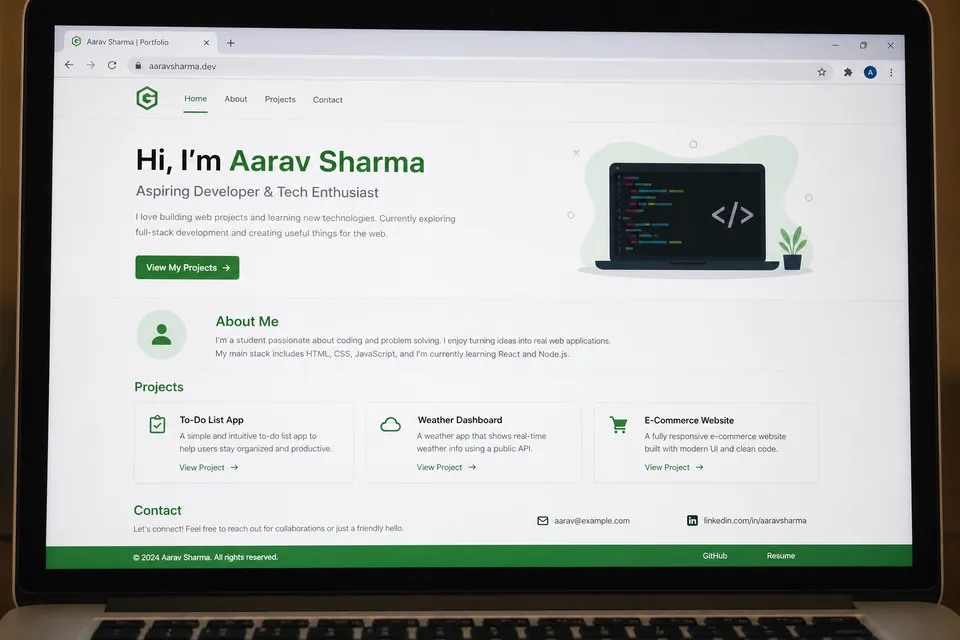
Students design and publish a multi-page portfolio with an about section, project gallery, and contact form — their first site live on the web.
Watch a class glimpse
A themed trivia or math quiz with score tracking, instant feedback, and custom styling — teaching DOM events and JavaScript logic.
A product or hobby landing page with hero banner, feature cards, and a call-to-action button — built with flexbox and responsive CSS.
No prior coding experience needed — this is a beginner track. A laptop with a modern browser and stable internet is enough to start.
Course prices are for live 1:1 Super Mentors sessions with hands-on projects and parent updates. Prices shown in USD $ for United States families (approximate local estimates). Try a session before enrolling.
Pay $110$140 after each 10 sessions
$330$420 for 30 classes
2 sessions per week · about 4 months
Personal attention & fastest progress
View plan details →Parent guides and STEM articles that pair well with Web Development.
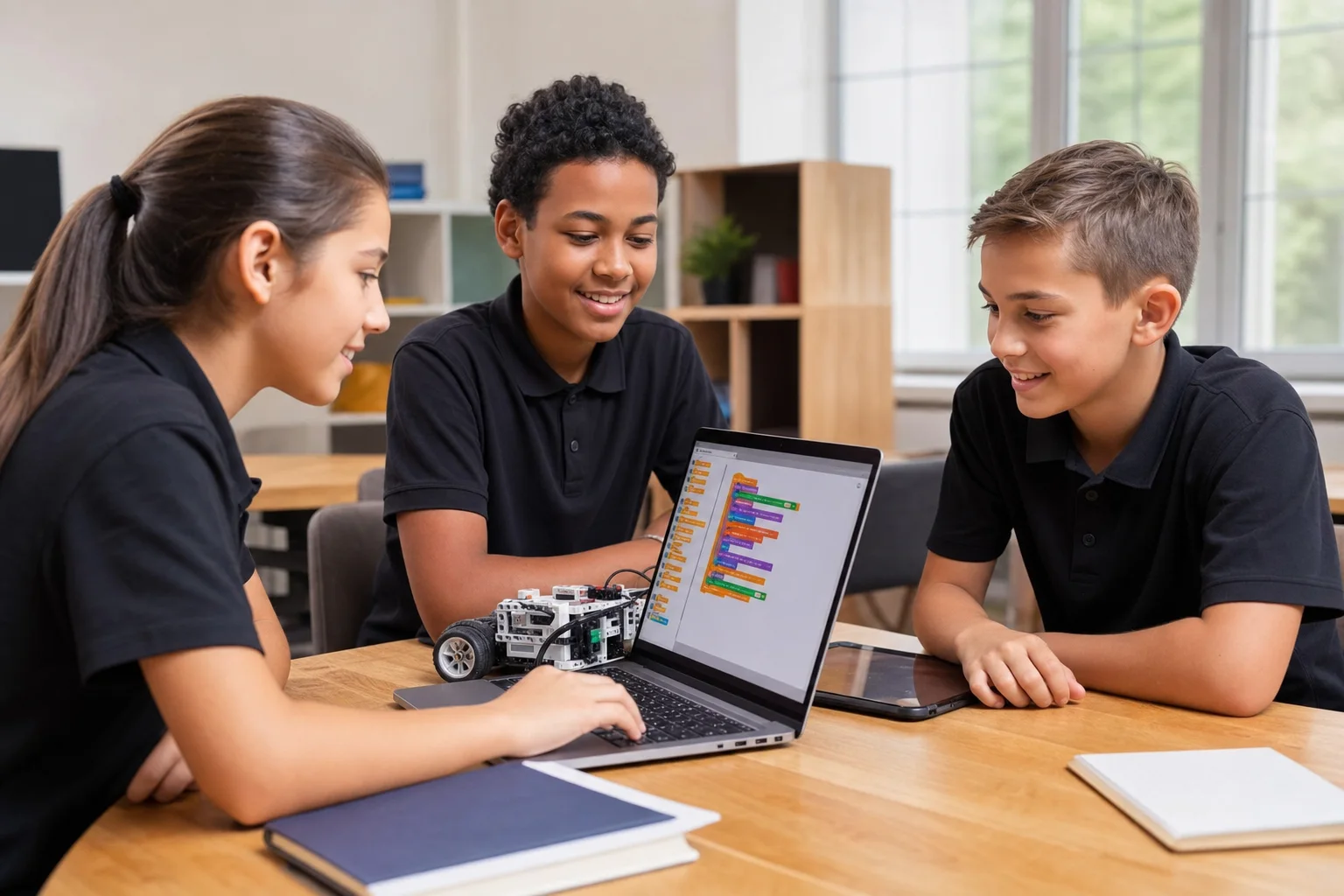
Scratch first for Grade 3–5. Python with AI when they can type. Web if they want something they can share in a browser. Use this decision tree, then read our Scratch vs Python guide.
US live coding for kids often runs $20–$50+ per tutor hour. GeekashramJr live online coding and AI classes are about $6–$11 per session, with a $3 trial — here’s what that buys.

Compare live online coding and AI classes for kids: GeekashramJr vs YouTube vs other live platforms — mentors, projects, batch size, and price ranges. No invented competitor fees.
Not sure when your child should start coding, or whether to pick Scratch, Python, or something else? This friendly parent's guide covers ages 6–18, courses, screen time, and simple next steps—without the jargon.
Grade 3–5 start with Scratch. Grades 5–8 add Python with AI and web. Grades 8–12 go deeper on AI/LLMs and robotics. Here is the GeekashramJr map with syllabus links.
Straight answers for parents comparing live Web Development classes, syllabus depth, projects, and pricing.
GeekashramJr's Web Development course is a beginner track for Grade 3–12 students across 30 live sessions. Learners build real websites with HTML, CSS, and JavaScript through live mentor-led classes — how browsers work, responsive pages, interactive quizzes and forms, and a published personal portfolio site.
Web Development is taught live module by module (30 live sessions). Parents can review the full syllabus table on this page — topics, projects, and typical session time per module — plus download the curriculum brochure.
Students complete mentor-guided projects throughout the course. By the end they typically have: Published a responsive personal portfolio website they can share with family and teachers; Built an interactive quiz or game page with HTML, CSS, and JavaScript; Created styled forms and multi-section landing pages with mobile-friendly layouts. Sample project screenshots and walkthroughs are shown above.
Web Development is for students in Grade 3–12. No prior coding experience needed — this is a beginner track. A laptop with a modern browser and stable internet is enough to start.
GeekashramJr Super Mentors 1:1 is $11 per session with personal attention. Prices are shown in USD, matching /pricing/usa. Try a session for current offers.
Classes are live online with GeekashramJr mentors — not passive video courses. Students get real-time feedback, debugging help, and project reviews in every session.
This beginner track teaches HTML, CSS, and JavaScript step by step across 30 live sessions — building responsive pages, forms, quizzes, and interactive apps, then publishing a real portfolio website with live mentor support.
No. It is a beginner track. Mentors start from the basics and guide students through their first tags to a published portfolio website.
Yes. The capstone is a personal portfolio students can share with family and teachers. Mentors help with publishing, presentation, and polishing the final pages.
The full beginner syllabus requires 30 live sessions. Most students finish in about 4–7 months, depending on pace, attendance, and how deep they go on portfolio polish.
Try a Web Development session for students Grade 3–12. Meet a mentor, see the teaching style, and get a personalized plan for your child.
Try a session