GeekashramJr live coding, AI, and robotics classes for students Year 3–Year 11+.

Live online coding & AI classes in the UK

Online Coding Classes for Kids in the UK

Live online coding, Python, AI & robotics for Year 3–Year 11+ across KS2, KS3, GCSE and A-Level age — GMT/BST. Class times: GMT and BST. Explorers £4, Champions £7, Super Mentors £8 per session. £2 trial, adjusted on enrolment.

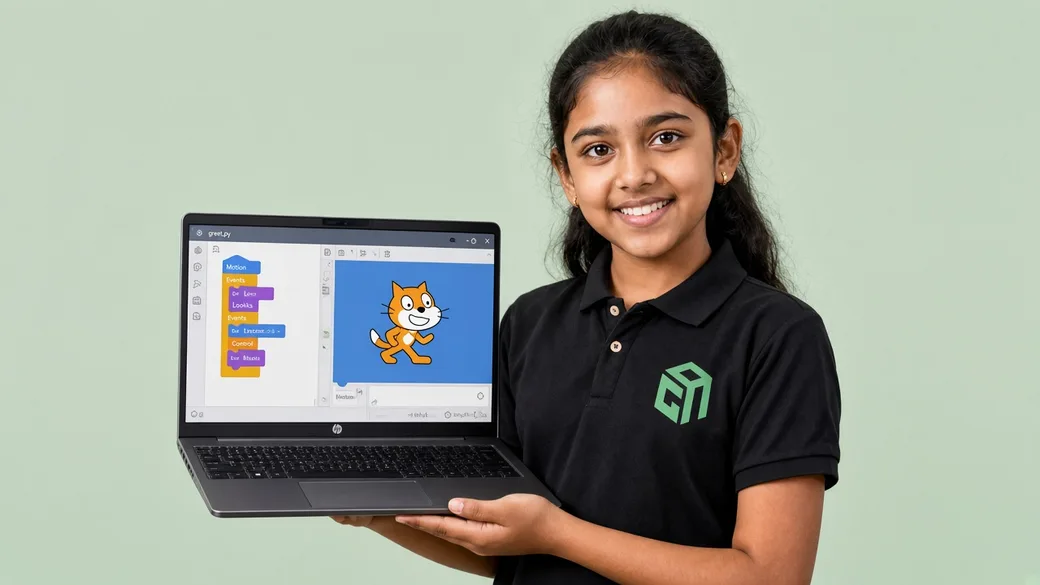
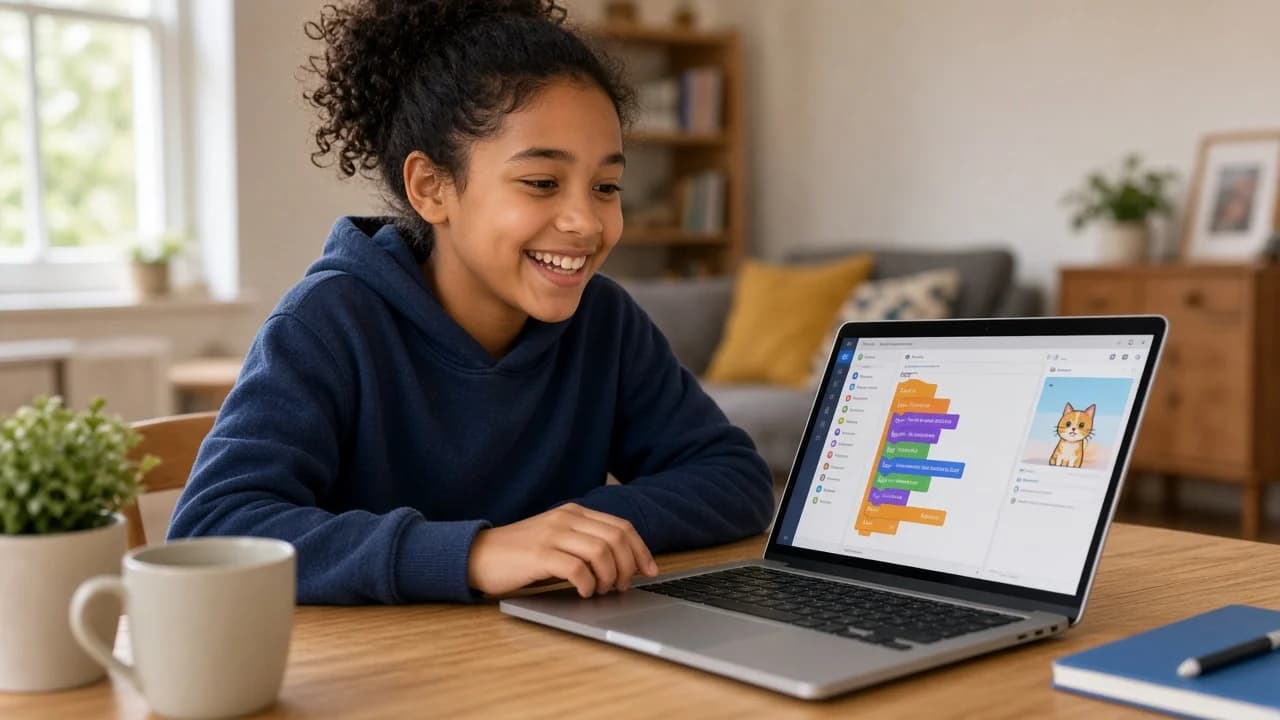
A GeekashramJr student holding a laptop running the game they coded.
Coding Classes
Trusted by parents for live coding, AI, and robotics classes

10,000+ students taught7 countries: India, USA, UK, UAE, Canada, Australia, Singapore

  • £2 trial

    A focused 60-minute live class (£2), adjusted on enrolment.

  • Live 1:1 session

    Full mentor attention for your child.

  • For Year 3–Year 11+

    Sessions tailored to your child's grade.

  • Personalized plan

    A learning plan after every session.

Our Courses

Choose a Course to Shape Your Child's Future

Browse All Live Coding Courses
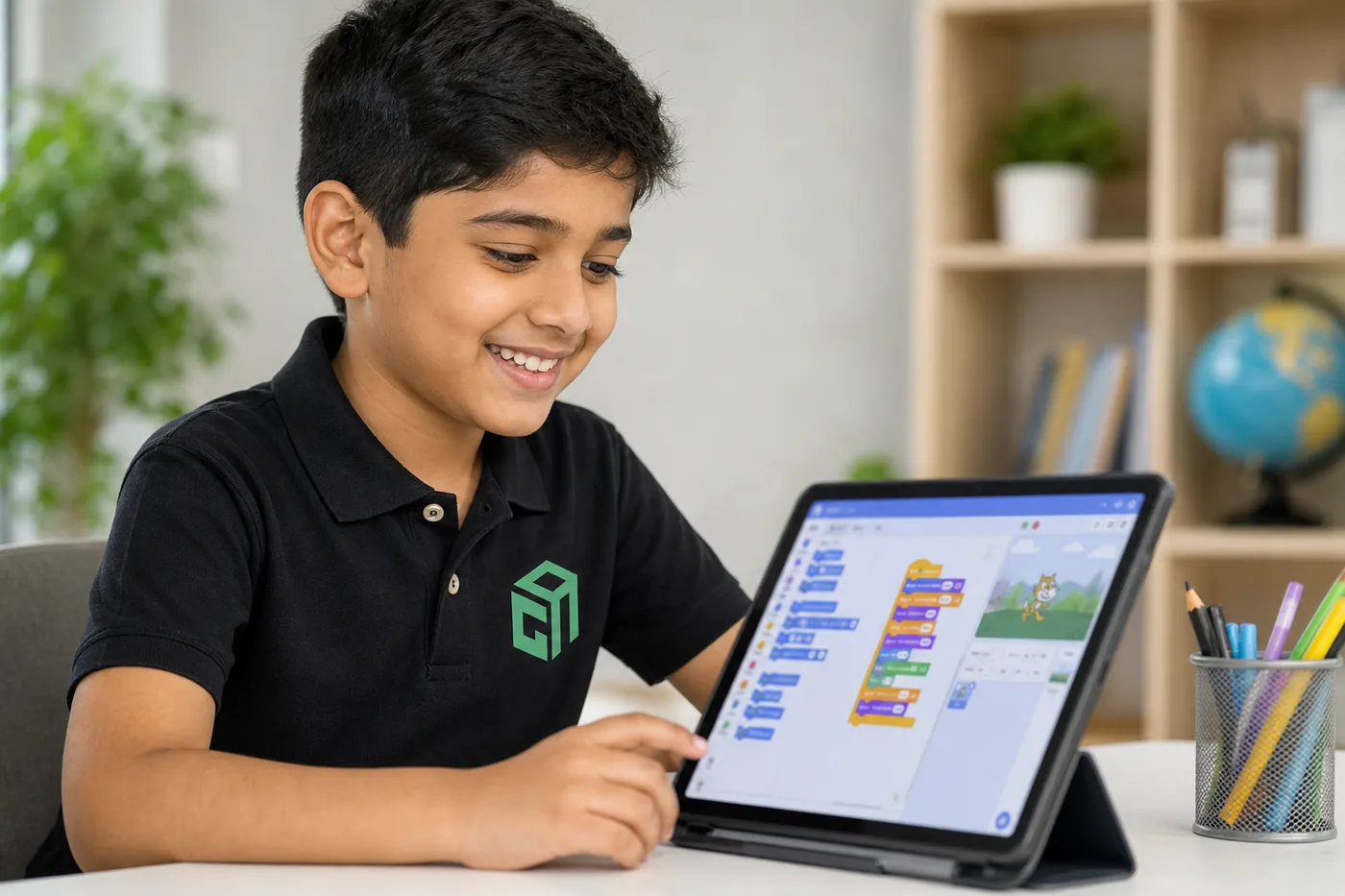
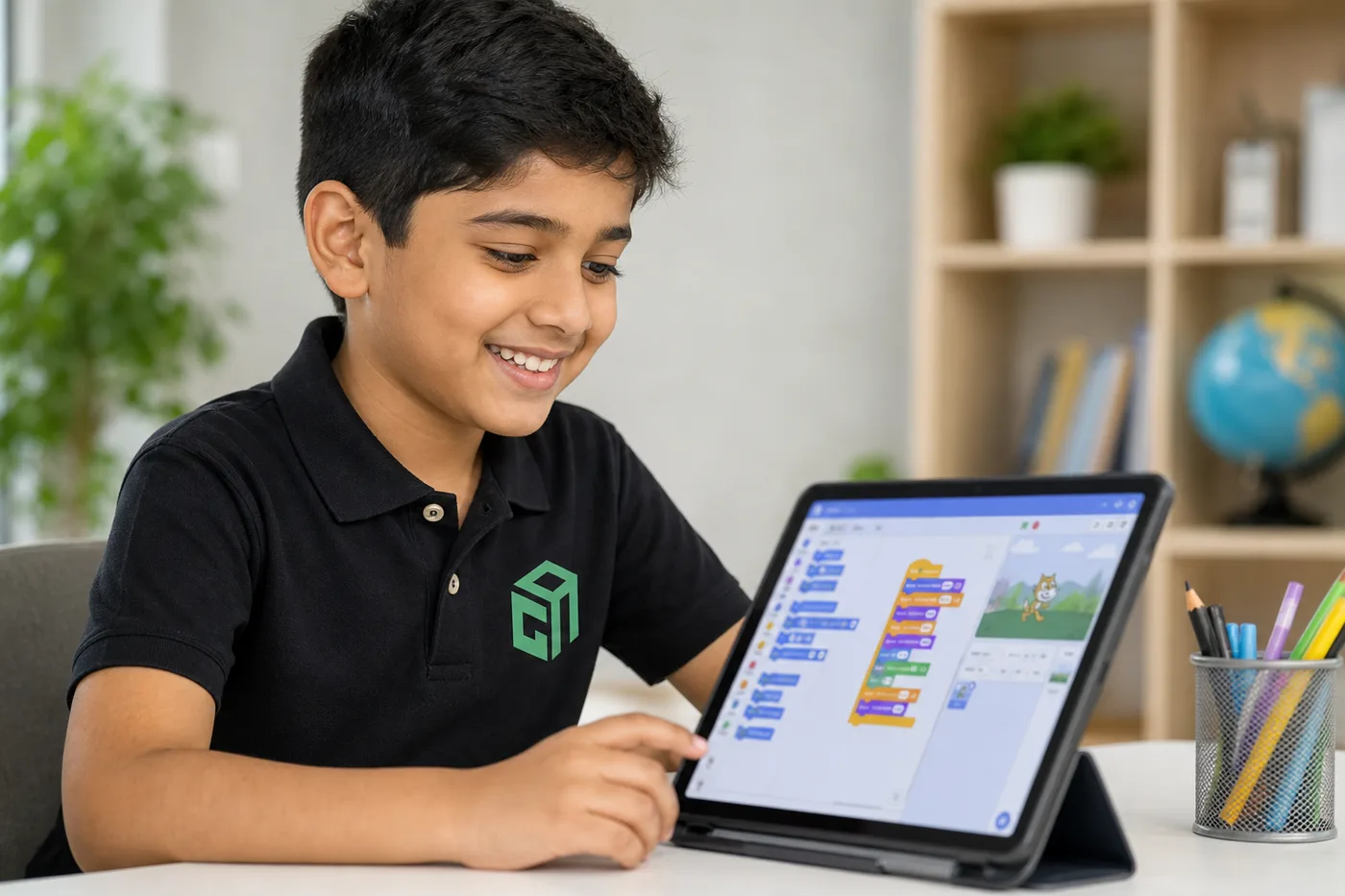
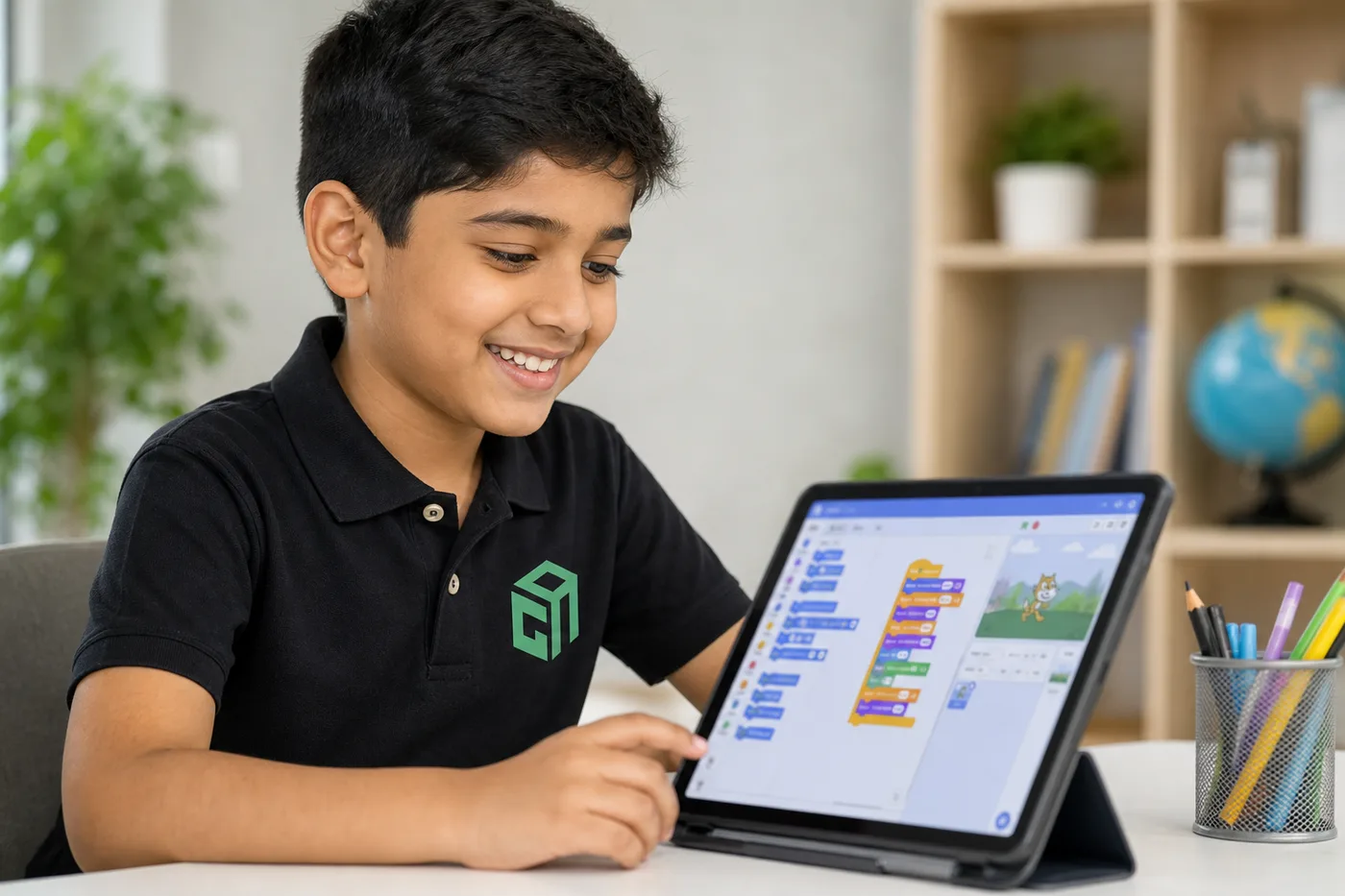
GeekashramJr student in black Geekashram polo learning Scratch block coding with sprites and games

Scratch

30 sessions · games, stories, animation & interactive projects

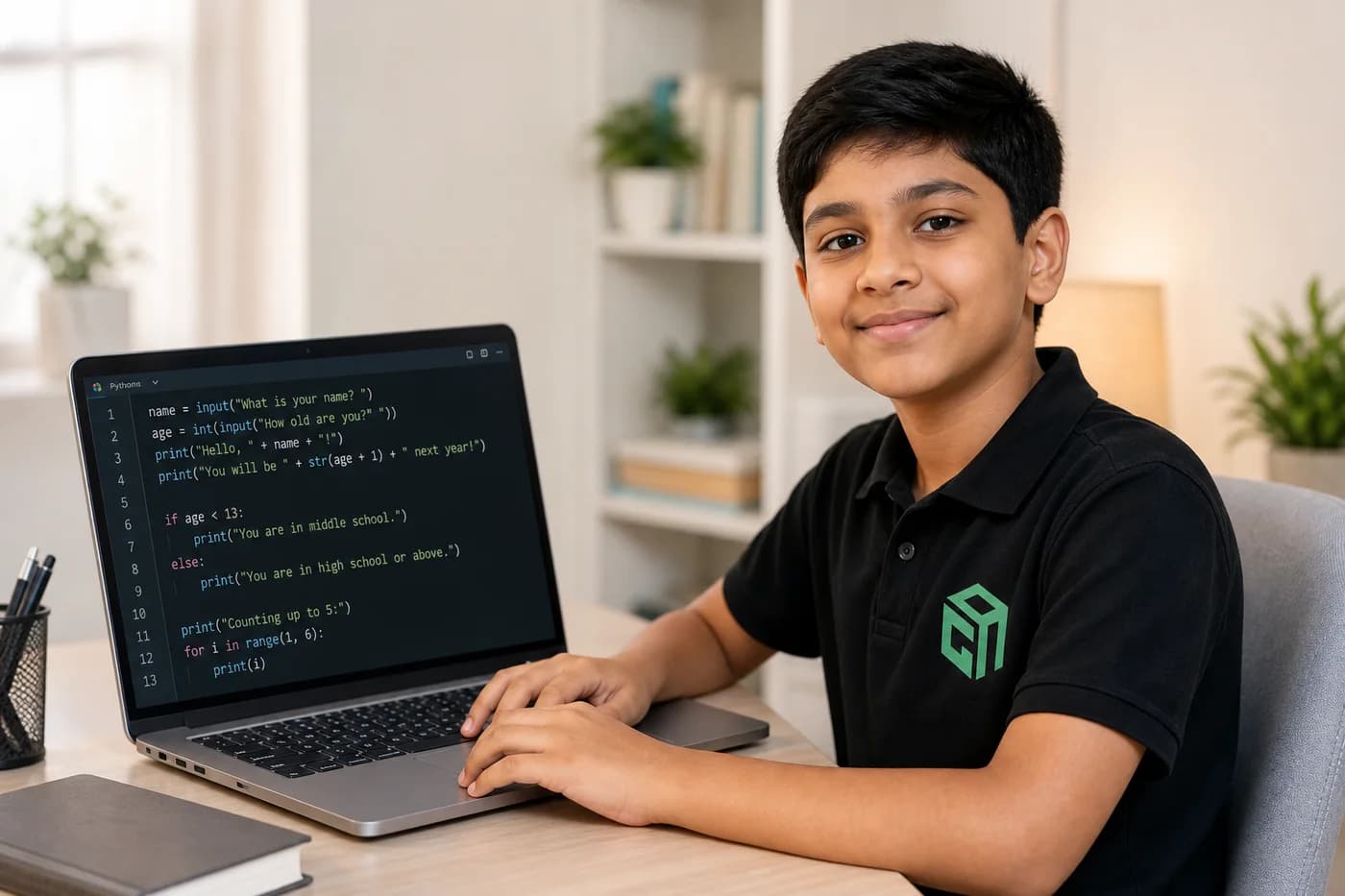
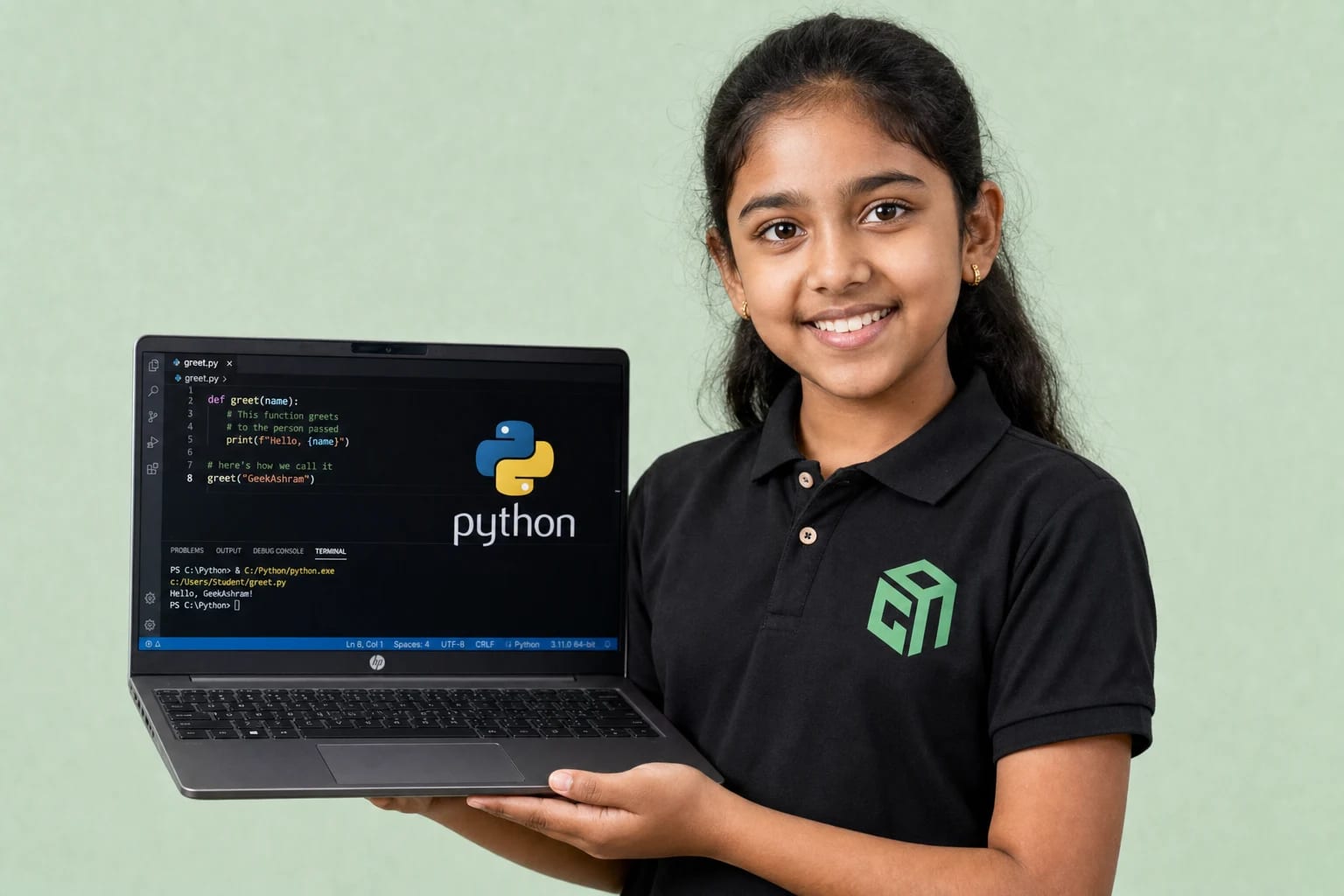
GeekashramJr student in black Geekashram polo learning Python programming and artificial intelligence

Python with AI

30 sessions · games, apps, chatbots & AI

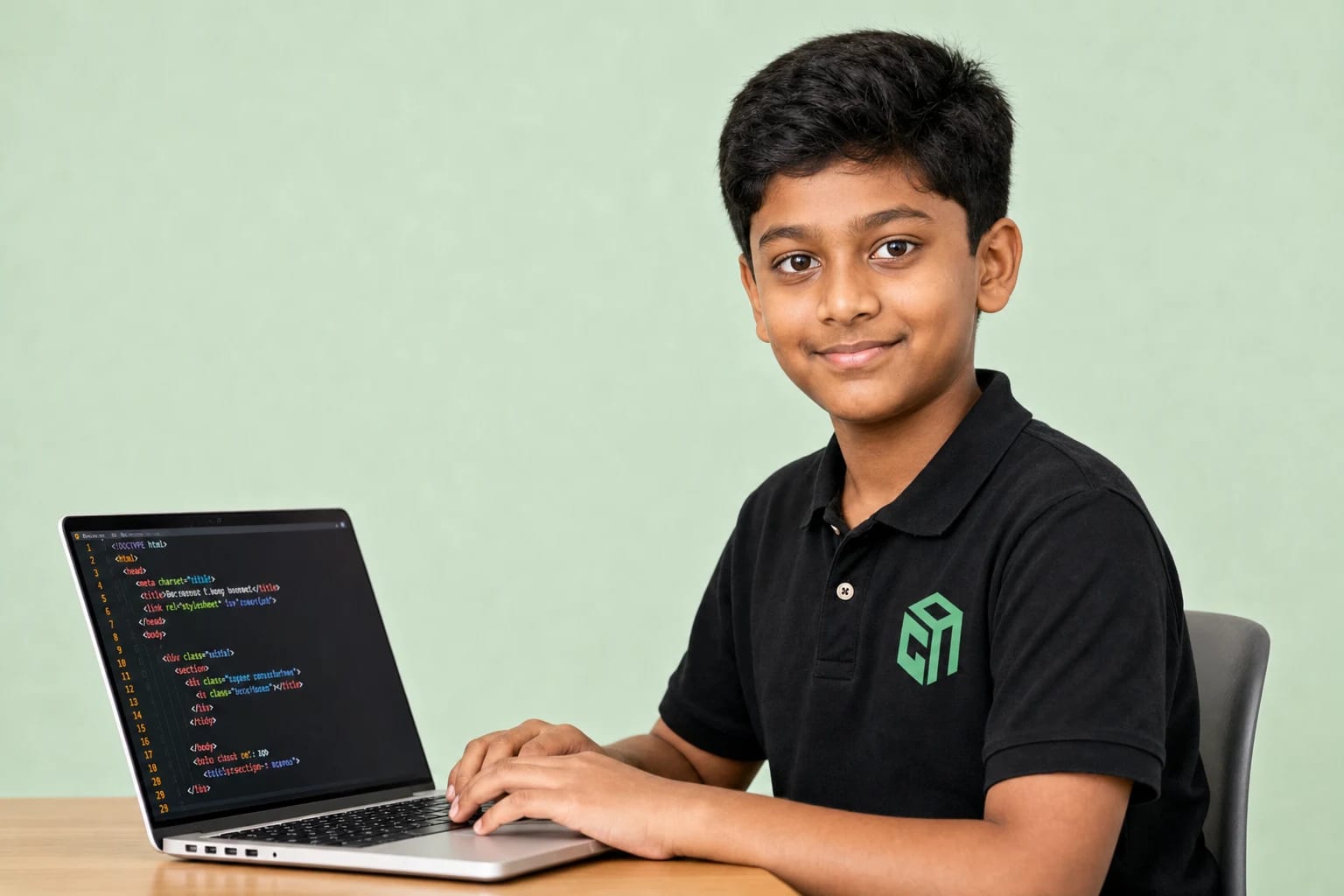
GeekashramJr student in black Geekashram polo learning web development with HTML, CSS, and JavaScript

Web Development

30 sessions · beginner HTML, CSS & JavaScript

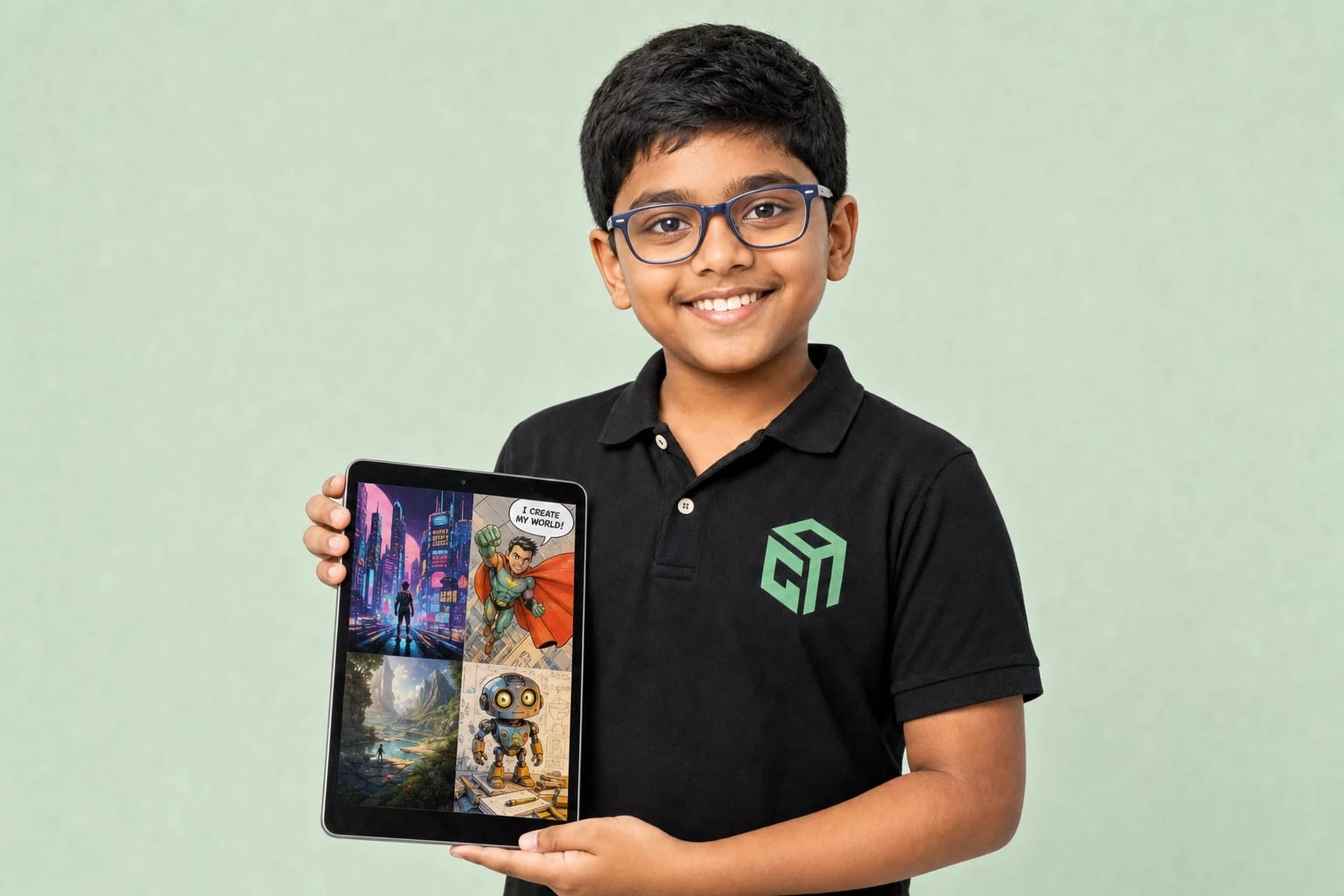
GeekashramJr student in black Geekashram polo creating everyday artificial intelligence projects

AI in Everyday Life

A creative 15-day AI bootcamp for young makers

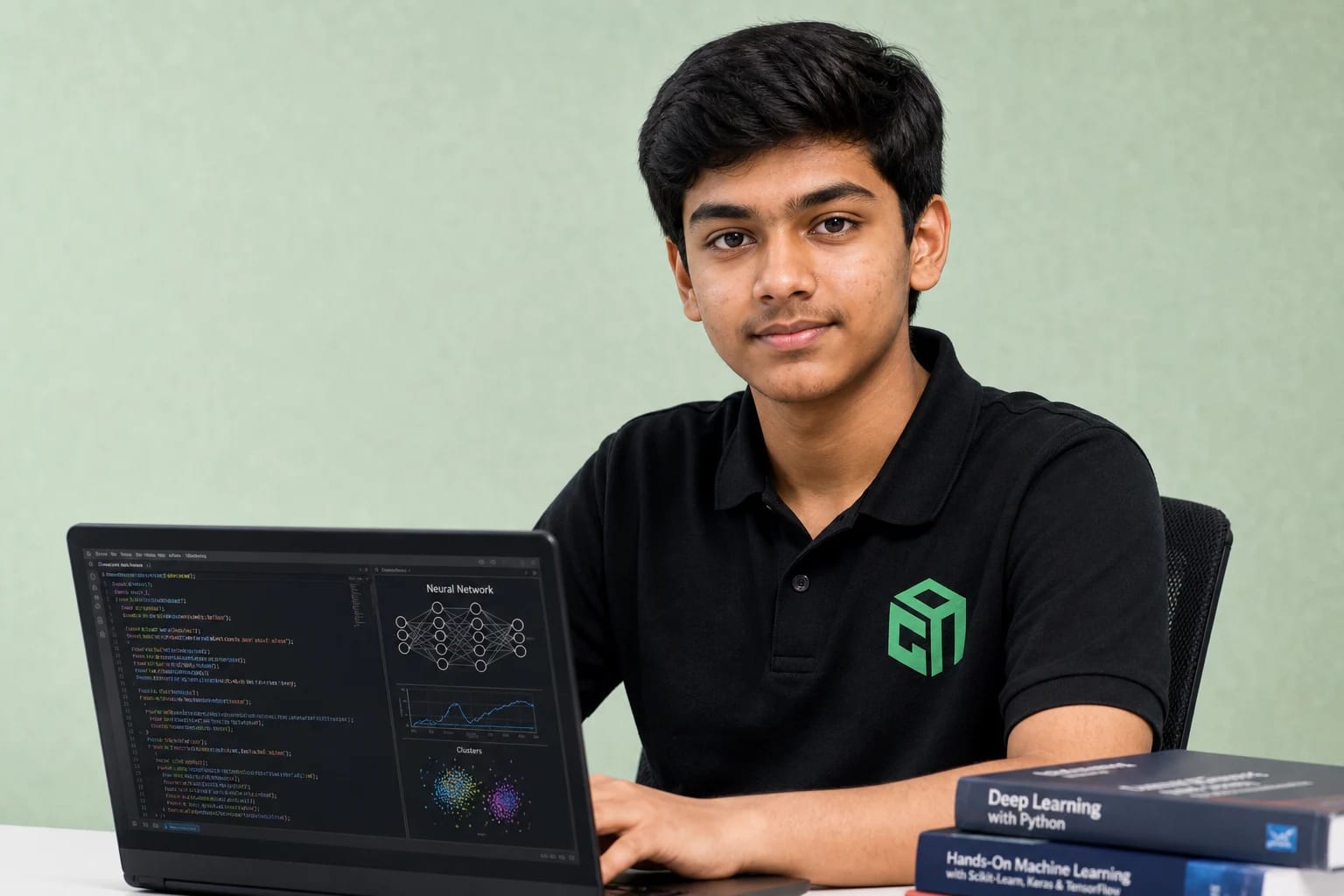
GeekashramJr teen student in black Geekashram polo learning hands-on AI, LLMs, and Python projects

Hands-on AI, LLMs & Python

LLMs, NLP, vision & real AI apps with Python

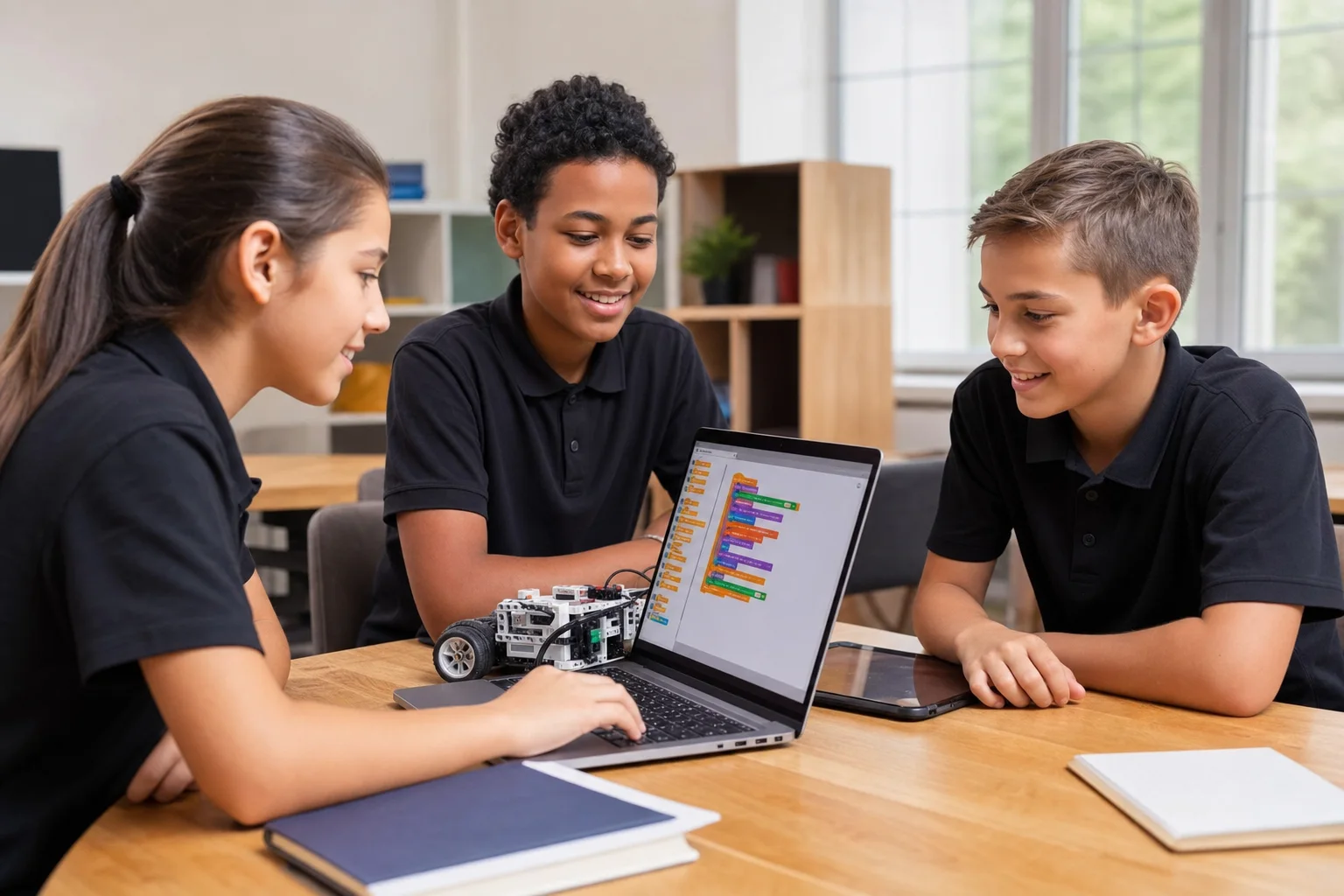
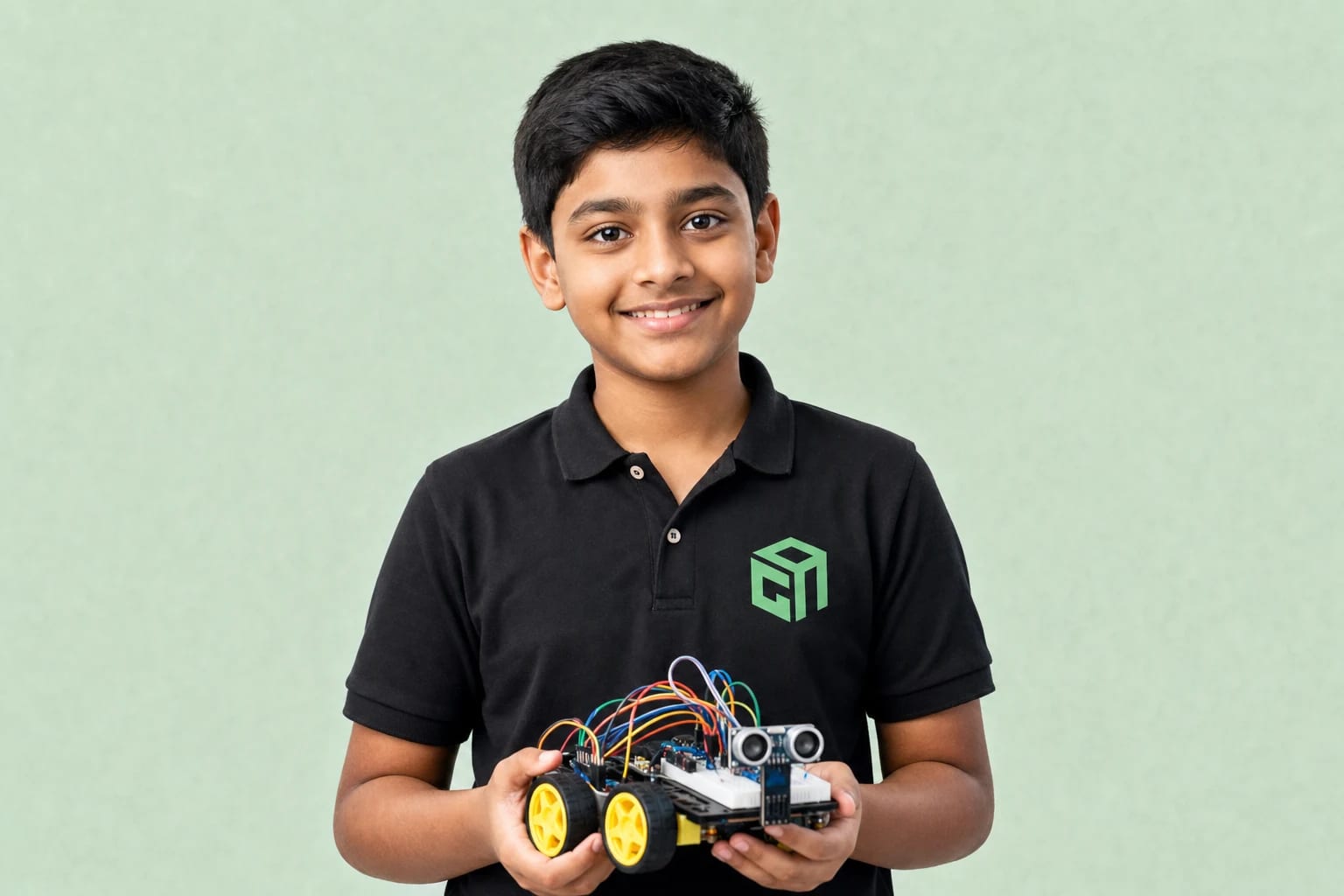
GeekashramJr student in black Geekashram polo building and programming robots with sensors and circuits

Robotics

30 sessions · hardware → coding → robot projects

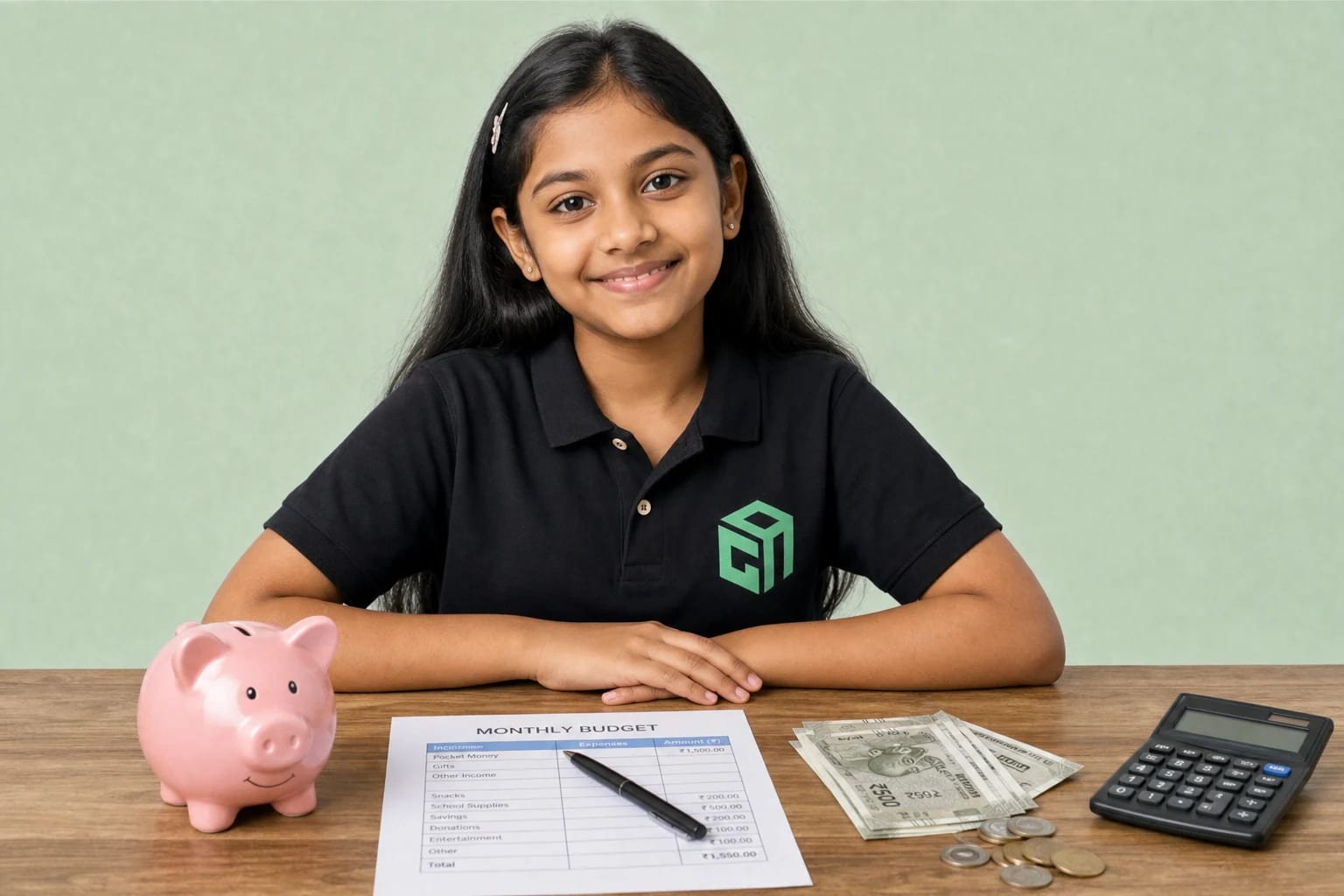
GeekashramJr student in black Geekashram polo learning money management, saving, budgeting, and financial safety

Financial Literacy

30 interactive lessons · saving, budgeting, banking & digital money

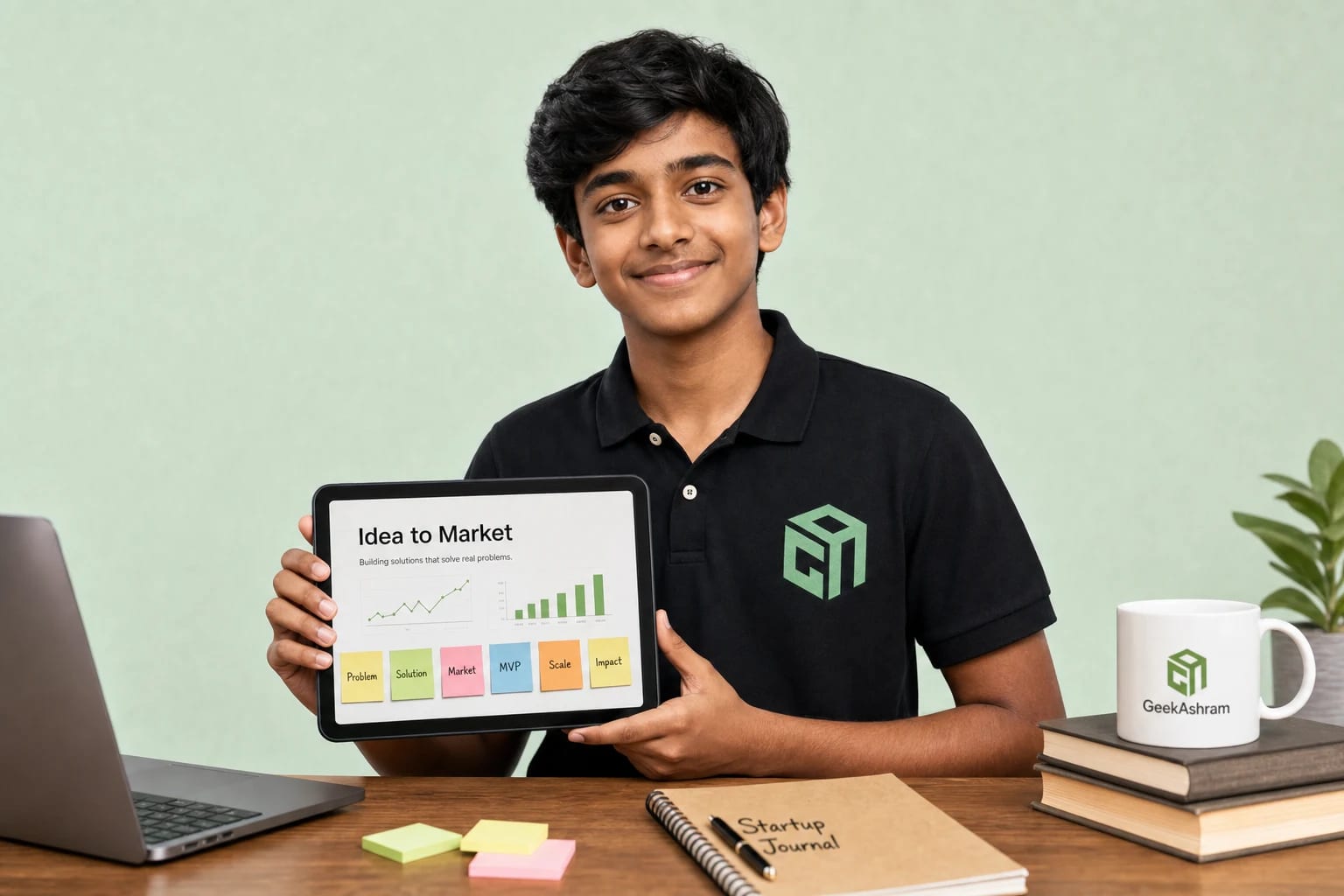
GeekashramJr student in black Geekashram polo building a startup idea into a pitch

Entrepreneurship

30 hours · from idea to market, MVP, pitch & Demo Day

For British families

Why UK Parents Choose GeekashramJr

Live online coding classes for kids in the UK — mapped to Year groups and Key Stages, with GBP pricing and GMT/BST after-school slots.

  • Live Online Classes

    Every session is live with a mentor. Students ask questions, debug in real time, and finish projects — not a recorded-only library.

  • Small Groups Or 1:1

    Explorers (up to 5), Champions (up to 3), or Super Mentors (1:1). No giant webinar batches.

  • Experienced Mentors

    Live guidance from mentors with strong university backgrounds (including IIT, NIT, and Tier 1 alumni).

  • Project-Based Learning

    Kids build games, websites, chatbots, AI tools, and robots they can show parents — Watch → Build → Break → Fix.

  • KS2 → KS4 Pathways

    Visual coding for Key Stage 2, Python and web for Key Stage 3, and stronger projects for GCSE and A-Level age teens.

  • UK After-School Timing

    After-school and weekend windows in GMT and BST so London, Manchester, and Edinburgh families can all join.

  • Progress Parents Can See

    Written learning plan after the trial, session notes, parent updates, and project milestones.

  • Recordings Included

    A recording of every live class is shared so students can rewatch, catch up, and revise before the next project.

Getting started

How Our Online Coding Classes Work

Simple path for UK families from first contact to weekly live projects.

  1. Step 1

    Book a trial

    Share your child’s year group, interest (Python, AI, robotics, web, or Scratch), and preferred UK time. The first 60-minute live session is £2, adjusted on enrolment, and you get a written learning plan afterwards.

  2. Step 2

    Live mentor session

    A 60-minute live class gauges level and interest while your child builds something real — not a sales pitch.

  3. Step 3

    Personalised plan

    You get a written learning roadmap mapped to Key Stage age, plus plan options (Explorers, Champions, or Super Mentors).

  4. Step 4

    Weekly live projects

    Ongoing mentor-led sessions with projects, notes, recordings, and parent communication as skills grow.

UK school stages

Coding Classes by UK Year Group

Parents search by Year group and Key Stage — not “Grade”. Here is how live coding, Python, AI, and robotics map to KS2, KS3, GCSE, and A-Level age learners.

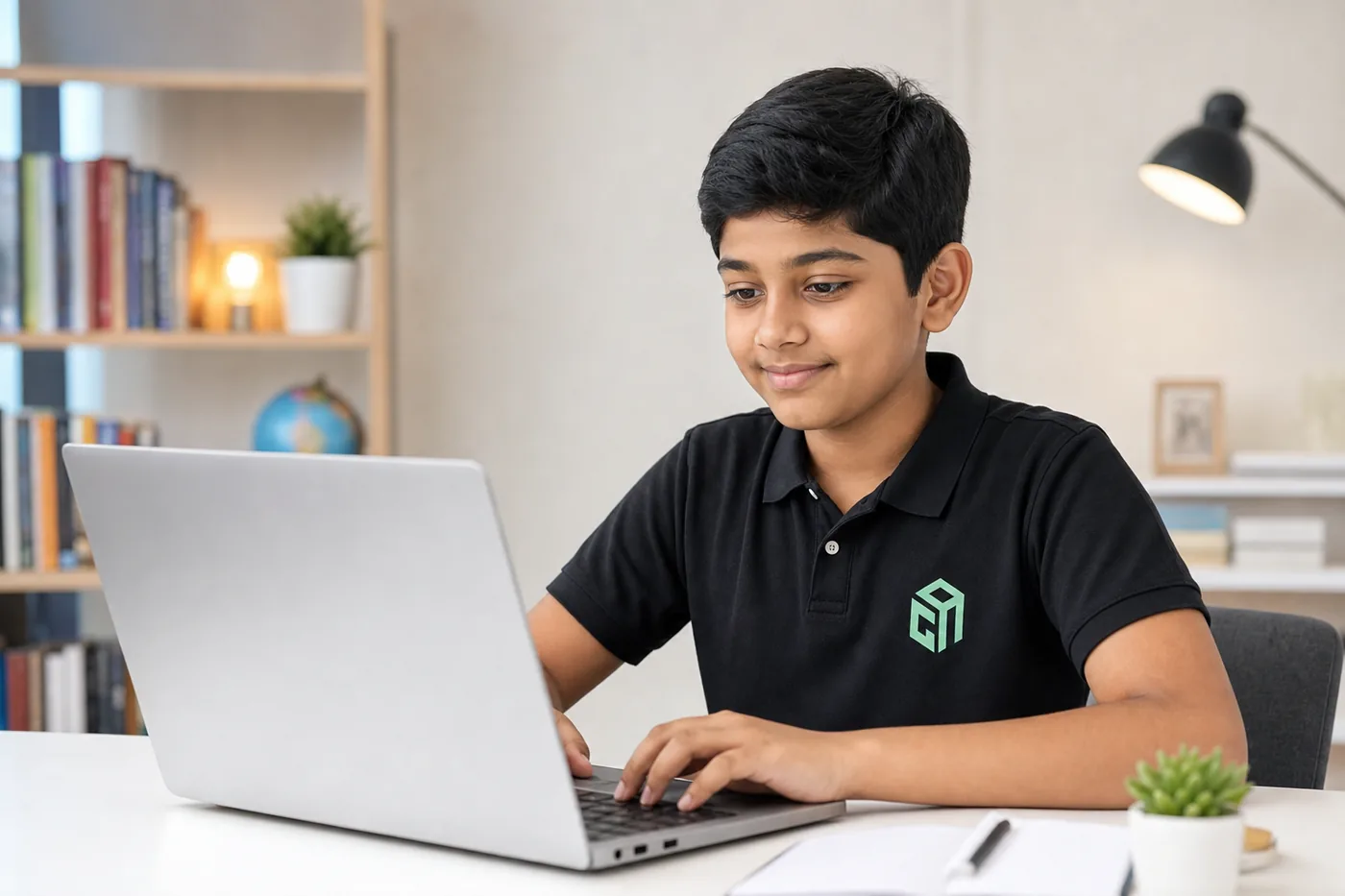
UK Key Stage 2 student learning visual coding on a laptop at home

Year 3–Year 6 · KS2

Coding for Key Stage 2 Students

Key Stage 2 learners build through visual programming, beginner Python when ready, games, and creative projects. Mentors keep sessions short, visual, and encouraging.

  • Coding for Year 3 students: Scratch games and stories; computational thinking without typing stress.
  • Coding for Year 4 students: Longer Scratch projects, simple logic, creative coding, and intro AI creativity.
  • Coding for Year 5 students: Stronger Scratch projects; beginner Python when typing is comfortable.
  • Coding for Year 6 students: KS2 → KS3 bridge: Scratch polish or first typed Python and small web pages.
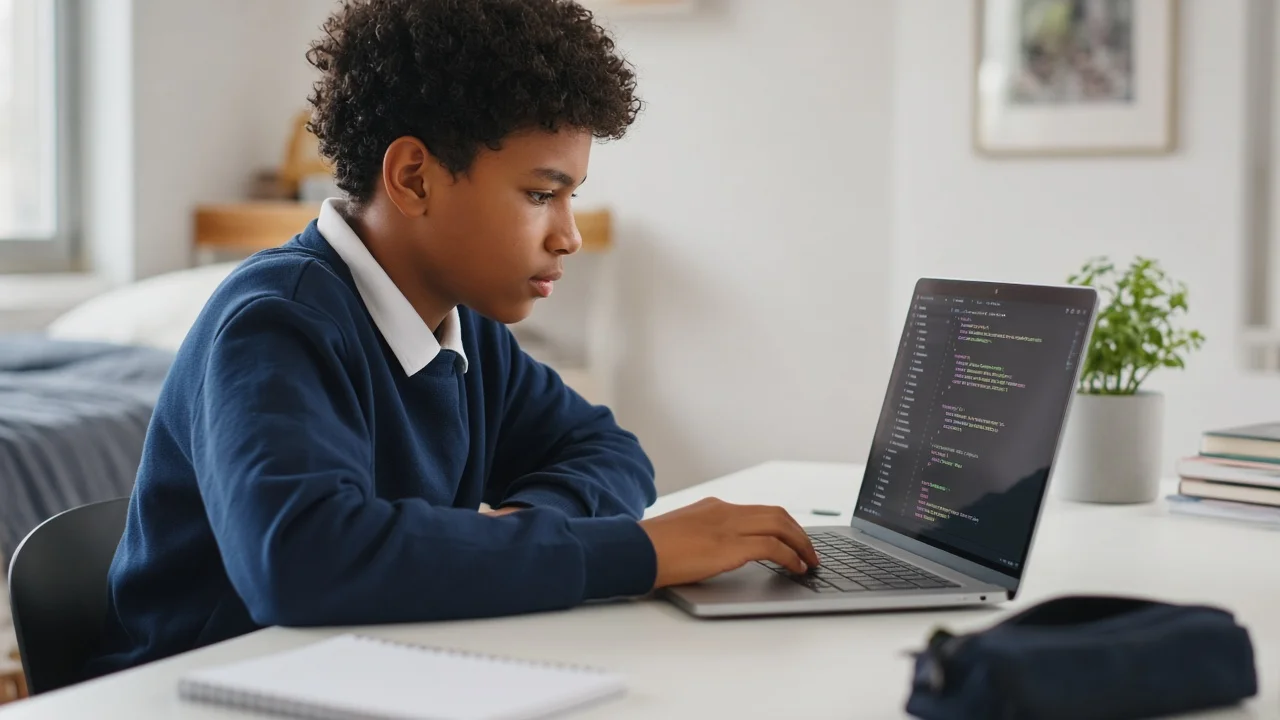
UK Key Stage 3 student coding Python on a laptop

Year 7–Year 9 · KS3

Coding for Key Stage 3 Students

Key Stage 3 students focus on Python, web development, robotics, and introductory AI through increasingly complex projects that complement school Computing.

  • Python for KS3 students: Python foundations, games, and first web pages with mentor support.
  • Coding for Year 7 students: Typed Python or web basics that reinforce school Computing.
  • Coding for Year 8 students: Python with AI projects, web development, or beginner robotics.
  • Coding for Year 9 students: Deeper Python/AI, web apps, robotics builds, and portfolio pieces.
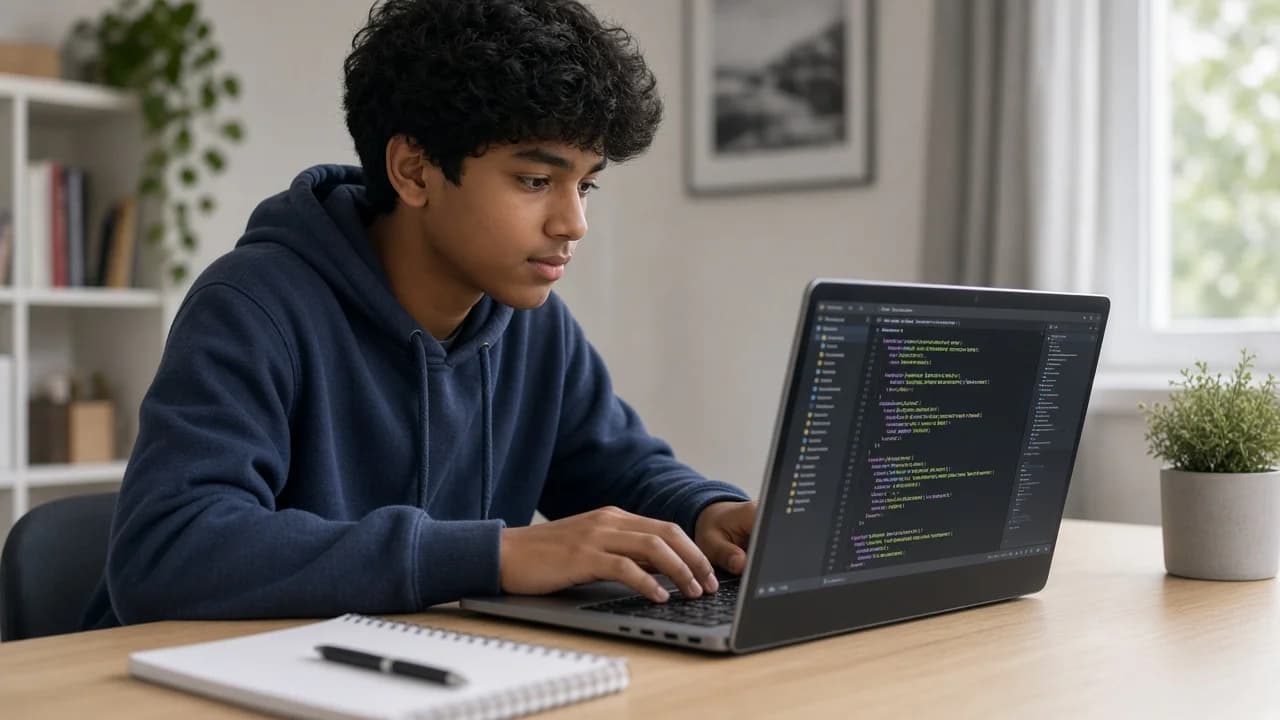
UK GCSE age student building an advanced coding project

Year 10–Year 11+ · KS4

Coding for GCSE & A-Level Age Students

GCSE and A-Level age students work on advanced programming, AI, software habits, and portfolio-ready projects — enrichment that strengthens school Computing without replacing it.

  • Python for GCSE students: Solid Python, problem-solving projects, and portfolio pieces useful alongside GCSE Computing.
  • Coding for Year 10 students: AI projects, data-minded Python, and software-style builds.
  • Coding for Year 11 students: Advanced Python, LLMs, or deeper web/software projects.
  • AI for teenagers: Responsible AI literacy plus Hands-on AI & LLMs for teens who already code.
Case studies

UK Student Case Studies

Year-group journeys for British families — how primary learners move from curiosity into typed Python with live mentors on GMT/BST time.

UK · Year 6 · KS2 → KS3 bridge

How a Year 6 Student Started Learning Python

After-school GMT/BST · Scratch bridge · Beginner Python

Year 6 is when many UK parents ask whether to stay on Scratch or start typed Python before secondary school. This case study shows the bridge GeekashramJr uses after the trial.

The challenge

The student enjoyed games and logic but had limited keyboard stamina. Parents wanted KS2-friendly pacing that would still prepare for KS3 Computing — without replacing school.

  1. Trial in UK timeA live 60-minute session in GMT/BST checked Year group, typing comfort, and interest — then set a written plan for the Scratch → Python bridge.
  2. Visual confidence firstEarly sessions polished Scratch projects so the child felt successful before typing heavier Python syntax.
  3. First typed PythonShort Python games and scripts with mentor debugging — variables, loops, and “break then fix” habits that transfer into Year 7.

The outcome

The learner finished early Python projects they could explain at home, with a clear Year 7 pathway into stronger Python, web, or AI enrichment — on after-school UK timing.

UK · Year 5 · KS2 · AI in Everyday Life

How a Year 5 Family Tried Safe Creative AI

GMT/BST · Live mentor · Websites, videos, posters, simple AI agents

UK parent Niva wanted creative AI for a Year 5 learner that stayed simple and safe — live mentors, not only recorded videos.

The challenge

Primary AI tools can feel unsafe or shallow without guidance. The family needed KS2-friendly sessions that still produced shareable creative work.

  1. UK-time trialParents booked a live session, shared Year 5 / KS2 level, and confirmed after-school GMT/BST windows.
  2. Creative buildsSessions covered websites, videos, posters, and simple AI agents with mentor guardrails on safe use.
  3. Home demosThe child could show finished creative pieces at home — proof that AI enrichment was active, not passive watching.

The outcome

The family kept a creative, mentor-led AI habit for primary ages without treating recorded libraries as enough on their own.

“My Year 5 child joined the AI in Everyday Life bootcamp at GeekashramJr and started creating websites, videos, posters, and simple AI agents. The sessions are simple, creative, and safe, with live mentor guidance instead of only recorded videos.”

— Niva, Parent of Year 5 student · UK · AI in Everyday Life
Local social proof

Student Stories from UK Families

Genuine published stories — Year group, course, project, and what they learned. Named reviews only.

1 verified named story published (building toward 5+) — we never invent local reviews.

Parent testimonial for AI in Everyday Life for UK Year 5 students
Niva — Parent of Year 5 student — UKAI in Everyday Life

Project: Websites, videos, posters, and simple AI agents

Learned: Safe, creative AI use with live mentor guidance for a KS2 learner

“My Year 5 child joined the AI in Everyday Life bootcamp at GeekashramJr and started creating websites, videos, posters, and simple AI agents. The sessions are simple, creative, and safe, with live mentor guidance instead of only recorded videos.”

We’re collecting more verified UK family stories (Year 3–11 / KS2–KS3). Until then, only named reviews we can verify appear here.

Blog

GeekashramJr Blog for Coding, AI, and Robotics Learning

Browse Coding, AI & Robotics Articles
Parent FAQ

AI can write code. It can't tell your child when the code is wrong.

Quick answers about live online classes, IIT/NIT mentors, courses, and enrolment for families in the United Kingdom. How GeekashramJr keeps learning effective for Year 3–Year 11+.

Try a session

Tap to watch a short glimpse of GeekashramJr live classes for US families

What age can children start coding in the UK?

Many children start successfully around ages 7–9 (often Year 3 / early Key Stage 2), when they can follow short instructions and stay engaged for a live session. Interest and attention span matter more than a birthday.

What programming language should UK children learn first?

Year 3–Year 5 beginners usually start with Scratch. Year 6+ students who type comfortably often start Python. Web development suits children who like design; robotics suits hands-on builders.

Is this the same as school Computing / GCSE Computer Science?

It complements school Computing (KS2–KS4) and can strengthen GCSE-age problem solving. Students get live projects, debugging help, and a portfolio — which most crowded classroom lessons cannot offer. We do not claim to be an exam board syllabus.

Do you offer coding classes after school in the UK?

Yes. Coding classes after school UK families book GMT in winter and BST in summer — including after-school and weekend windows for London and wider UK.

Does GeekashramJr offer online coding classes in the UK?

Yes. Online coding classes UK families join are live mentor-led sessions for Year 3–Year 11+, with Scratch, Python, AI, web, and robotics tracks.

Are classes available for Key Stage 2 students?

Yes. KS2 (Year 3–Year 6) students typically learn Scratch, computational thinking, creative coding, and beginner Python when typing is ready.

Do you offer Python for KS3 students?

Yes. Python for KS3 students (Year 7–Year 9) is a core pathway — games, apps, web basics, and introductory AI with live mentors.

Do you offer Python for GCSE students?

Yes. Python for GCSE students and Year 10–Year 11+ learners focuses on stronger projects, problem solving, and portfolio work that supports school Computing.

Do you offer AI for teenagers in the UK?

Yes. AI for teenagers includes creative AI literacy and Hands-on AI & LLMs for teens who already code — with responsible-use guidance.

How much do coding classes for kids cost in the UK?

Explorers £4, Champions £7, Super Mentors £8 per session. Trial Session: £2. GBP amounts are approximate local estimates. See /pricing/uk for the full table.

Are classes live and 1:1?

Classes are live with a mentor. Super Mentors is 1:1; Champions is up to 3 students; Explorers is up to 5. There is no recorded-only track — recordings of live classes are shared for review.

What equipment is required?

A laptop or desktop, webcam, microphone, and stable internet. Robotics kits are optional at the start — mentors advise before you buy hardware.

Do you publish UK student case studies?

Yes. See how a Year 6 student started learning Python on this UK page — trial placement, Scratch bridge, first typed Python, and outcome — plus more stories on /success-stories.

Other countries we teach

Book a Trial Session

Meet a mentor, try a live project, and get a Year 3–Year 11+ plan for your UK time zone — Trial Session: £2.

Chat WithExpert